
We've walked the floor at hundreds of trade shows. We've seen the fishbowls overflowing with business cards, the frantic scribbling on napkins, and the thousand-yard stare of a sales rep trying to remember a key conversation from two days ago. This isn't just another software roundup; it's a lead retrieval systems comparison born from years of frustration with broken processes. Most exhibitors obsess over booth design and completely ignore lead capture. They'll spend $50,000, $100,000, or even more on a booth, but the most valuable asset—the conversations happening inside it—evaporates the second an attendee walks away.
That's the core problem. It's not about finding a better scanner; it's about fixing the black hole where Event ROI goes to die.
Our methodology for reviewing lead retrieval software
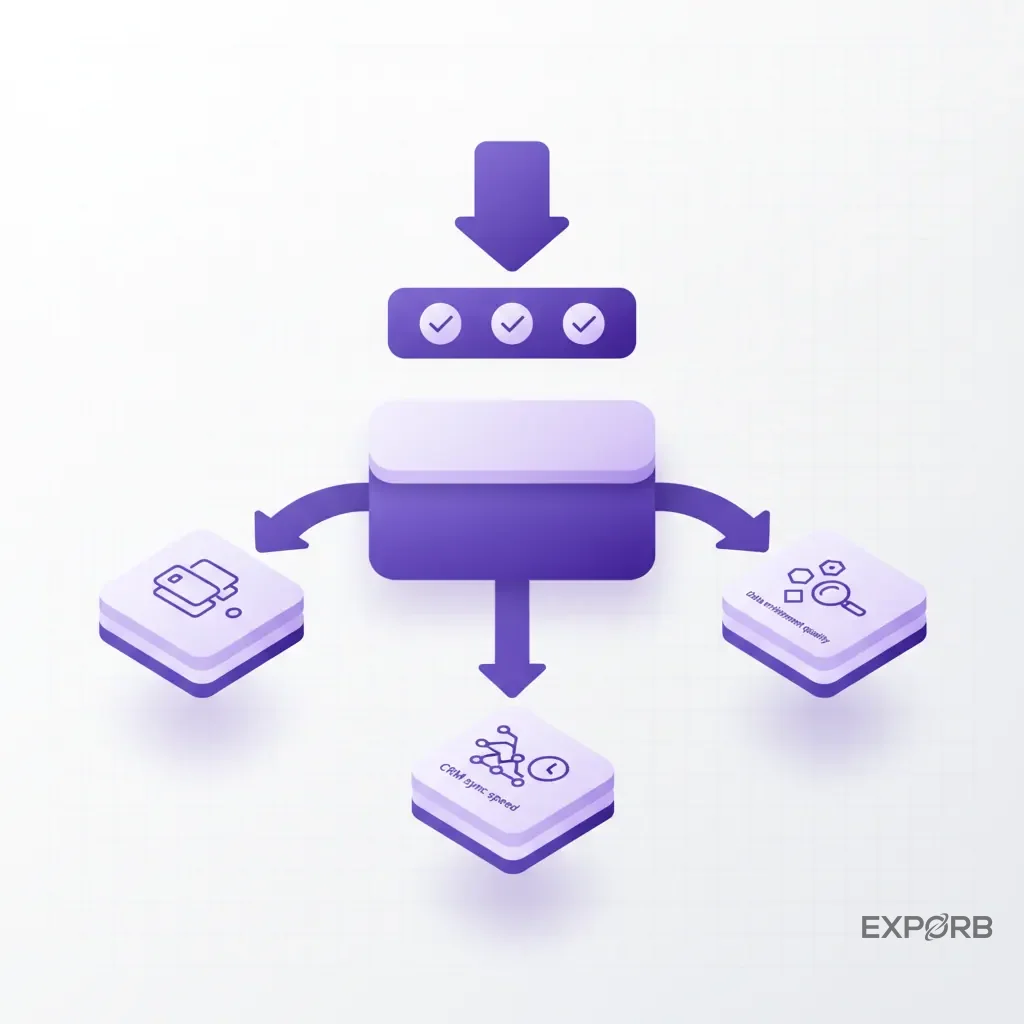
We didn't just look at feature lists. We evaluated tools based on the chaos of a real trade show floor. Our criteria are simple and unforgiving:
- Offline Resilience: Does the app work when convention center Wi-Fi inevitably fails? If you can't capture leads offline, the tool's a liability.
- Speed-to-Lead: How many seconds does it take for a lead captured at the booth to appear in your CRM, ready for follow-up? Anything measured in days is unacceptable.
- Data Richness: Does it just capture a name and email, or does it capture context? We're talking about pain points, buying intent, and specific next steps.
- Team Workflow: Can a sales manager see what's happening in real-time? Or do they have to wait a week to get a messy CSV file?
Commitment to data-driven, unbiased analysis for exhibitors
Our bias is simple: we believe most exhibitors are focused on the wrong thing. They obsess over booth design and neglect the one system that determines the entire event's ROI. We're biased toward solutions that capture not just who you met, but what you talked about.
We've analyzed the data, from sync times to enrichment rates, to find what actually moves the needle. This guide isn't about selling you a product. It's about changing how you think about Trade Show Leads—from a pile of dead business cards to a pipeline of qualified opportunities.
What is the difference between lead retrieval and universal lead capture?
The terms are often used interchangeably, but they represent two fundamentally different philosophies. Understanding the distinction is the first step toward building an event strategy that actually works. One is a rental tool for a single weekend; the other is a core part of your sales toolkit.
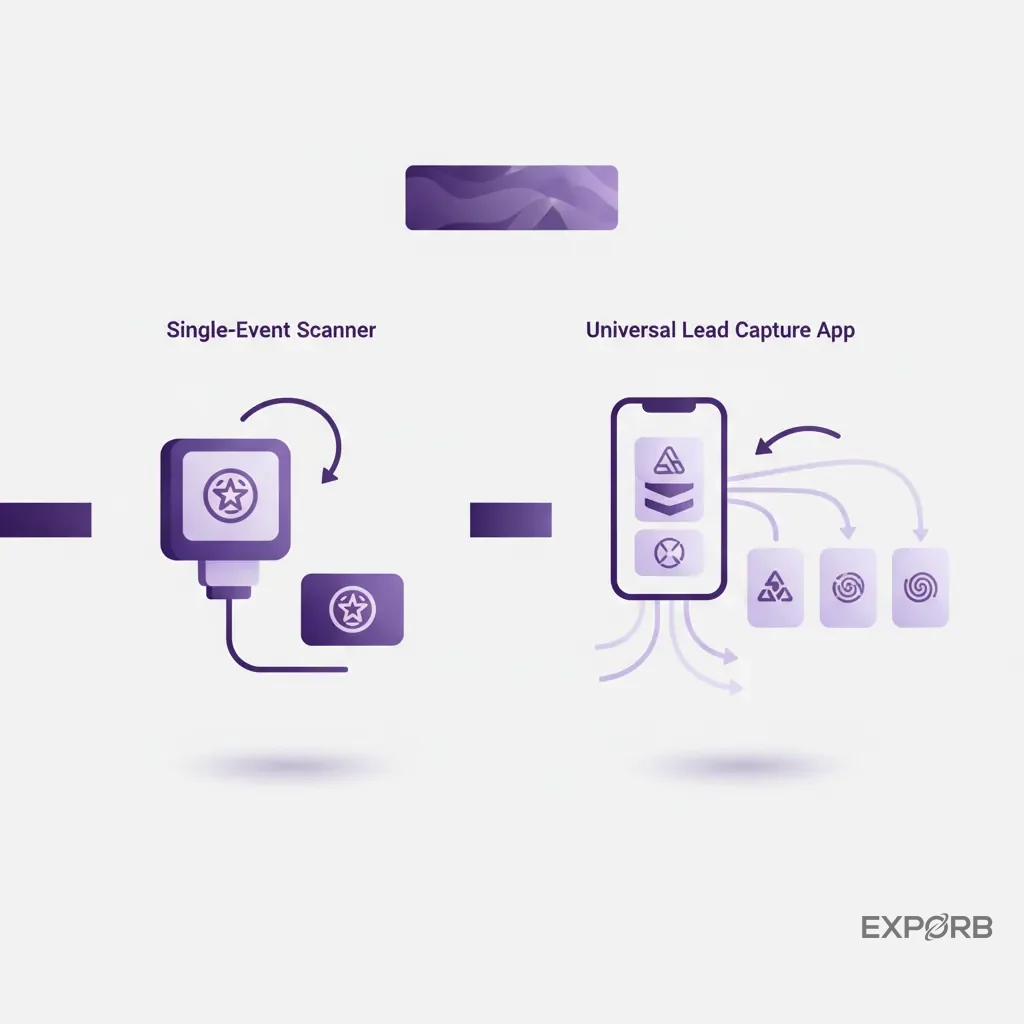
Defining traditional lead retrieval: the single-event scanner
Traditional lead retrieval is what the event organizer rents to you. It's usually a clunky handheld device or a basic mobile app designed to do one thing: scan the barcode on an attendee's badge.
You get the data the organizer decides to give you—typically just name, title, company, and email. At the end of the show, you get a spreadsheet. It's a closed system, tied to a single event. It's better than nothing, but not by much.
Defining universal lead capture: the event-agnostic platform
Universal lead capture is a system you own and bring to every event. It's an app on your team's phones or tablets that works anywhere, anytime. According to research from Popl, a universal platform is event-agnostic. It's designed to capture leads from any source: badges at a major conference, business cards at a local meetup, or QR codes on a sales call.
It standardizes your process. Your team uses the same app, the same qualification questions, and the same workflow at CES in January and a regional conference in July. The data is consistent, and the process is ingrained.
Why this distinction matters for your entire event calendar
Why does this matter? Consistency. With traditional scanners, your team has to learn a new, slightly-terrible piece of software for every show. The data format's different each time, requiring hours of manual cleanup and consolidation.
A universal lead capture platform means you train your team once. Your data flows into your CRM the same way from every event. You can track metrics across your entire event calendar, comparing the ROI of different shows with clean, standardized data. It transforms your event program from a series of one-off sprints into a cohesive, measurable marketing channel.
Related: The Modern Trade Show Lead Capture Guide
Are legacy badge scanners obsolete in 2026?
Yes, for any company that's serious about ROI. Renting the show-provided scanner is like paying for a landline in an office where everyone has a smartphone. It technically works, but it's inefficient, expensive, and completely disconnected from your modern sales and marketing stack. The entire model is broken. It prioritizes the event organizer's convenience over your need for rich, actionable data.
The hidden costs of show-provided hardware and delayed data
That scanner rental fee is just the beginning. According to Prospeo, legacy scanners can cost between $200 and $500 per device, per event. For a team of five at four shows a year, you're looking at $4,000-$10,000 for a system that gives you stale, basic data.
But the real cost is the delay. You wait hours, or even days, after the show to get your CSV file of leads. Then, someone has to manually clean it up, de-duplicate it, and import it into your CRM. By the time your sales team follows up, the lead's gone cold. The opportunity cost of that one-week delay is massive.
Challenging the myth: why more scans don't equal more revenue
Exhibitors love to boast about how many badges they scanned. It's a vanity metric. A list of 500 names and emails isn't a pipeline. It's a data entry project.
Revenue comes from qualified opportunities, not raw contact info. A single lead with detailed notes about their budget, timeline, and primary pain point is worth more than 100 anonymous scans. Legacy scanners encourage a quantity-over-quality mindset that fills your CRM with junk and wastes your sales team's time.
The shift from collecting contacts to capturing conversations
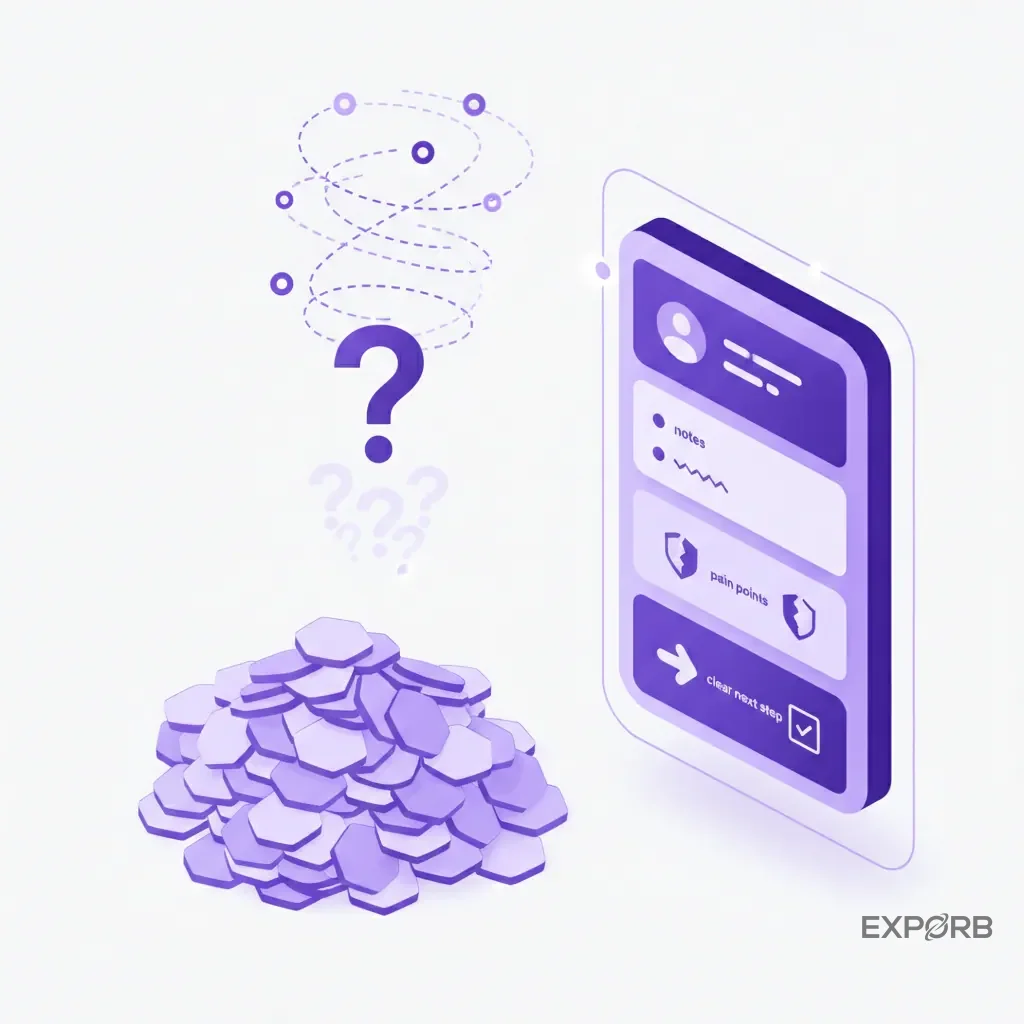
The most important shift in event strategy is moving from contact collection to conversation capture. The badge scan is just the starting point. The real value is in what happens next.
What problem is the prospect trying to solve? What was their reaction to your demo? Did they mention a specific competitor? Who else on their team needs to be involved in the decision?
Legacy scanners can't capture any of this. It's lost the moment the conversation ends. Modern platforms are built to capture this context—through voice notes, photos of whiteboard diagrams, and structured qualification fields. That's how you turn a brief booth visit into a real sales opportunity.
How do you choose the right lead retrieval system for your business?
Choosing the right system isn't about finding the one with the most features. It's about finding the one that best fits your team's workflow and solves your biggest post-show problems. Are you struggling with slow follow-up or messy data? Or perhaps a total lack of visibility into booth conversations? Your answer points you to the right tool.
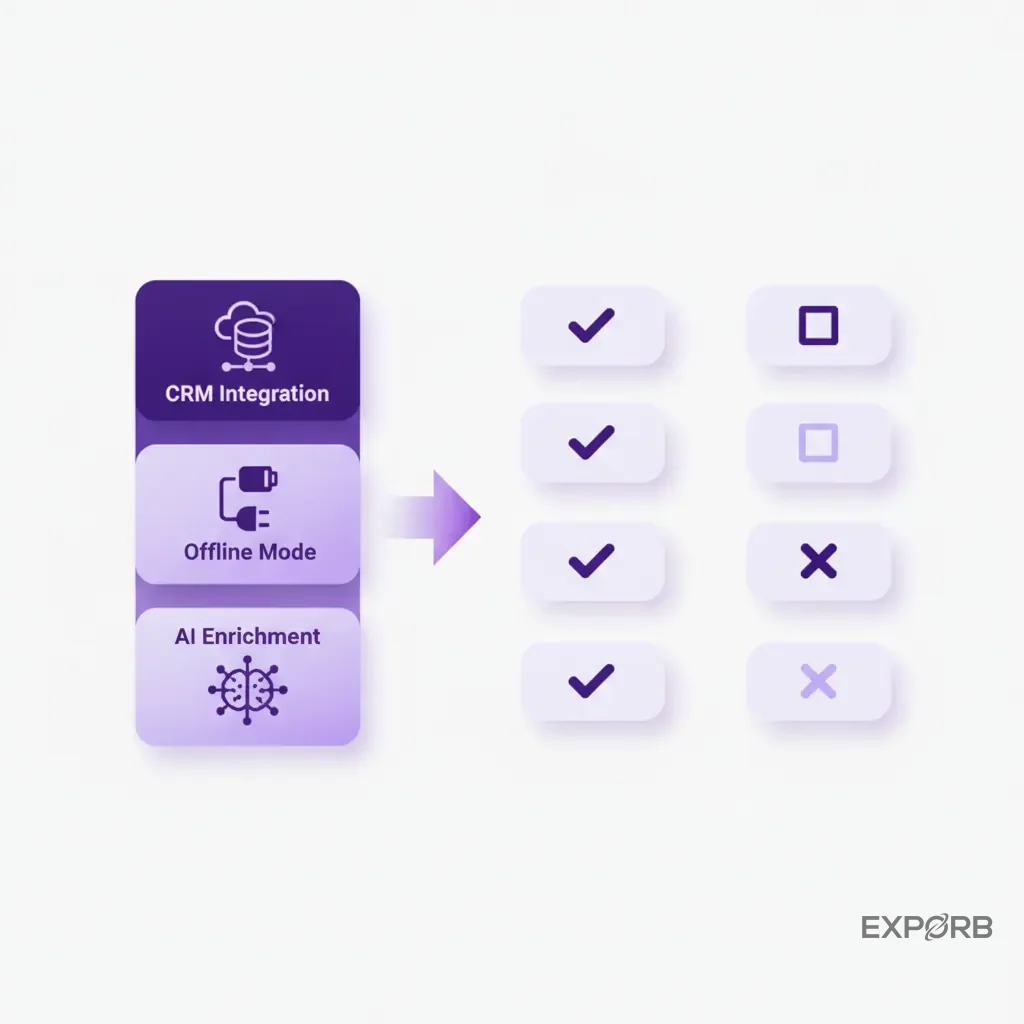
Key selection criteria: a feature-by-feature comparison
When you're doing a lead retrieval systems comparison, look past the marketing hype and focus on the features that directly impact ROI. Here's what actually matters on the show floor:
Comparison of different types of lead retrieval systems.
Evaluating offline capabilities and on-site ease of use
This is non-negotiable. Convention center Wi-Fi is notoriously unreliable. If your app can't capture and save lead data without an internet connection, it will fail you at the worst possible moment. A proper offline mode means your team can scan cards, record notes, and qualify leads all day long, with the data syncing automatically once they're back online.
Ease of use is just as important. Your booth staff includes sales reps, marketers, and even executives. The app needs to be so intuitive that anyone can pick it up and use it effectively with five minutes of training. Complex UIs and lengthy setup processes are a recipe for poor adoption and lost leads.
Matching platform features to your sales cycle and follow-up process
How does your team sell? If your sales cycle is complex and requires deep discovery, you need a tool that captures rich conversational context. If your follow-up is highly personalized, you need a system that can feed detailed notes directly into your email templates.
Don't just buy a scanner. Map out your ideal post-show workflow first.
- Capture: How is contact and conversation data gathered at the booth?
- Qualify: What custom fields or tags do you need to segment leads?
- Sync: How does that data get into your CRM and marketing automation platform?
- Follow-up: Who is responsible for the first touchpoint, and what information do they need to make it relevant?
Choose the platform that smooths out the friction at every step of that process. The goal is to close the gap between the booth conversation and the first follow-up email until it's nearly instantaneous.
How is AI transforming trade show lead management?
For decades, the most valuable data from a trade show—the actual content of conversations—was lost forever. It lived only in the short-term memory of your booth staff. AI is changing that. It's turning unstructured, chaotic human conversations into structured, searchable, and actionable data for your entire company.
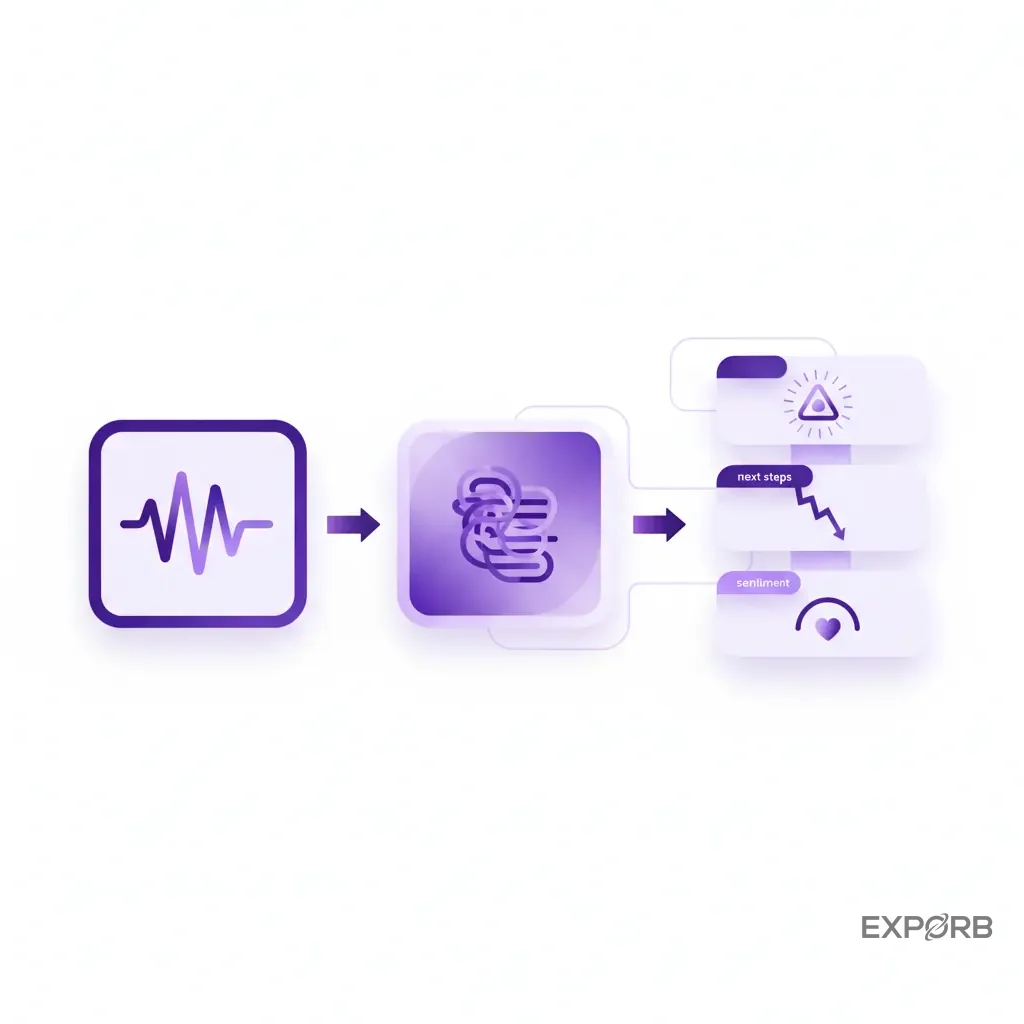
From manual notes to AI-powered conversation summaries
Imagine your sales rep finishes a great 10-minute conversation. Instead of frantically typing a few cryptic keywords into a notes field, they tap a button and record a 30-second voice memo summarizing the discussion.
When they get back online, AI transcribes the memo, identifies the key topics, extracts action items, and analyzes the prospect's sentiment. The result is a perfect, concise summary attached to the lead record. No more deciphering messy handwriting or trying to remember what "Project Phoenix" referred to. This is the power of AI-driven conversation analysis.
Solving the founder's pain point: capturing what your team actually learns
As a founder or sales leader, the biggest frustration with trade shows is the lack of visibility. At Exporb, we see this pattern: your team meets 100 people, but you've no idea which conversations mattered. You get a spreadsheet of names a week later, but the intelligence—the why—is gone.
AI solves this. With tools that capture and analyze conversations, you can see a real-time feed of what your team's learning. You can identify emerging trends and spot high-value leads instantly. You'll also understand which messaging is resonating on the show floor. It closes the gap between the front lines and leadership, giving you full control over your event investment.
Using AI for automatic data enrichment and lead scoring
A business card gives you a name and a company. AI can give you the full picture. Modern systems use AI to automatically enrich lead profiles with company size, industry, funding information, and recent news.
But it goes further. By analyzing the captured conversation, AI can help score leads based on actual intent. Did the prospect mention they have a budget approved? That's a high-priority lead. Are they just kicking tires for next year? They get a lower score and are routed to a nurturing campaign. This AI-powered lead scoring ensures your sales team spends their time on the opportunities most likely to close.
Related: How AI is Reshaping Trade Show Follow-Up
What is the true cost of your trade show lead capture?
The rental fee for the show's scanner is the smallest part of the equation. The true cost of your lead capture process is hidden in the manual labor, data errors, and lost revenue that happen after you leave the show floor. When you calculate the Total Cost of Ownership (TCO), "free" or "cheap" solutions often turn out to be the most expensive.
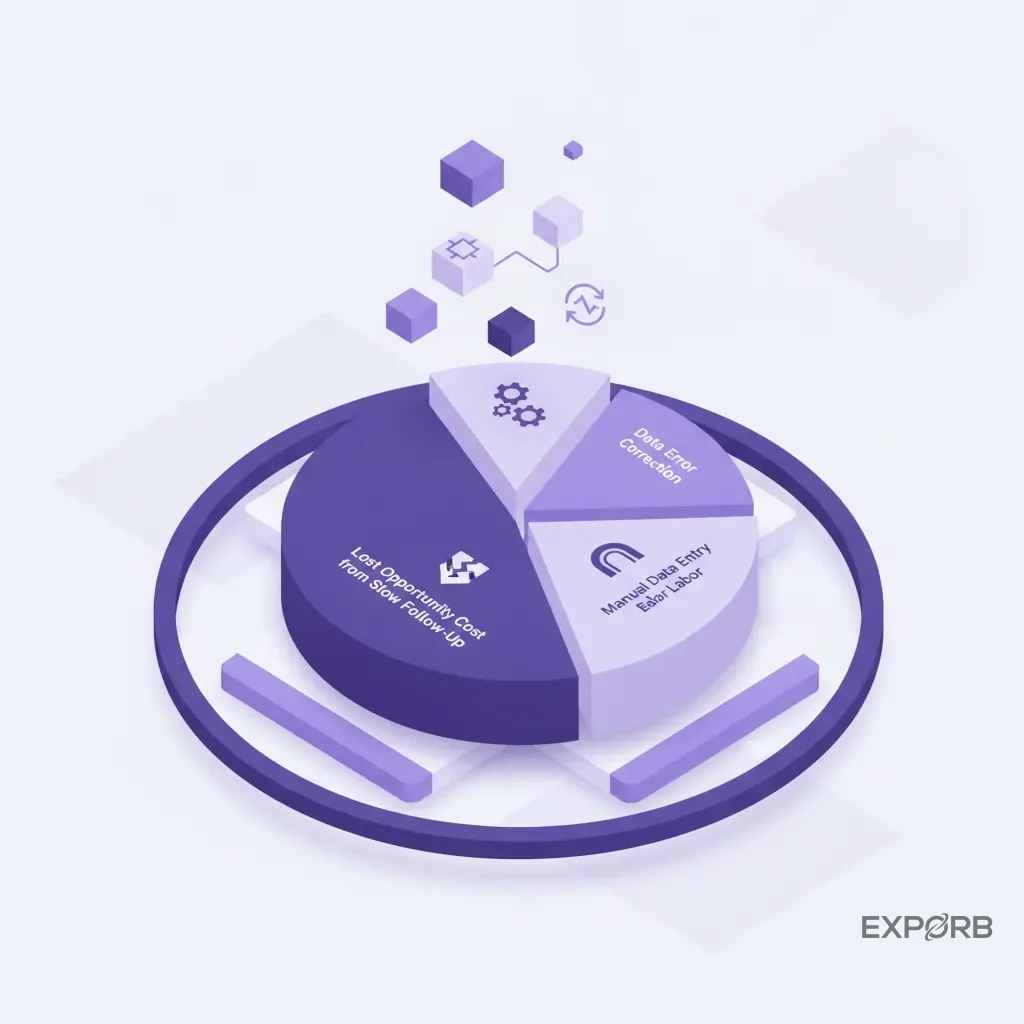
Calculating the total cost of ownership: scanner rental vs. platform subscription
Let's break it down for a single trade show where you collect 200 leads:
- Scanner Rental: $400 per device x 2 devices = $800
- Manual Data Entry: 200 leads x 5 minutes/lead = 1,000 minutes, or ~17 hours. At $50/hour (fully loaded cost for a marketing coordinator), that's $850.
- Data Cleansing & CRM Import: Another 5-8 hours of work to fix typos, standardize fields, and handle the import. That's another $250-$400.
- Total Obvious Cost: ~$2,000
A yearly subscription to a universal lead capture platform might seem more expensive upfront, but it eliminates almost all the post-show labor costs across your entire event calendar.
Factoring in the cost of manual data entry and cleanup
Manual data entry isn't just a time sink; it's a major source of errors. A typo in an email address makes a lead unreachable. An incorrect company name prevents proper account mapping in your CRM. These small errors have a huge downstream impact, leading to failed follow-ups and skewed analytics.
Every hour your team spends manually typing business card data into a spreadsheet is an hour they're not spending on high-value activities like crafting personalized outreach or analyzing campaign results. Automating this with a reliable business card scanner pays for itself almost immediately.
Modeling the ROI of instant, enriched lead follow-up
The biggest hidden cost is the revenue you lose from slow follow-up. A lead's interest is highest in the hours immediately following your conversation. A week later, they've attended a dozen other sessions, spoken with 50 other vendors, and forgotten the specifics of your solution.
What if your sales team could follow up with a personalized email—referencing the actual conversation—before the prospect even left the building? The impact on response rates and conversion to the next stage is enormous. The ROI of a modern lead capture system isn't just about cost savings; it's about the new revenue you generate by engaging leads when they're at peak interest.
How critical is 'speed-to-lead' for event ROI?
It's everything. The time between a handshake at your booth and the first personalized follow-up in their inbox is the single most important factor in converting a trade show lead into a customer. Every minute of delay drastically reduces your chances of success. A lead captured on Thursday and followed up with on Monday is often a dead lead.
According to a landmark study by LeadResponseManagement.org, the odds of contacting a lead decrease by 10x in the first hour. While that study focused on web leads, the principle's even more acute in the hyper-competitive environment of a trade show.
Benchmarking scan-to-CRM sync times (from minutes to seconds)
The old way of doing things—collecting scans and getting a CSV file at the end of the show—results in a scan-to-CRM time measured in days.
- Day 0: Show ends.
- Day 1: Wait for the organizer to email the lead list.
- Day 2: Marketing team cleans, formats, and de-duplicates the spreadsheet.
- Day 3: Leads are finally imported into the CRM and assigned to reps.
This is a broken process. Modern universal lead capture platforms have a scan-to-CRM sync time measured in seconds. A rep scans a badge or business card, adds a few notes, and hits "save." By the time they start their next conversation, that lead's already in Salesforce or HubSpot. Some tools can even achieve sync times between 9 and 26 seconds.
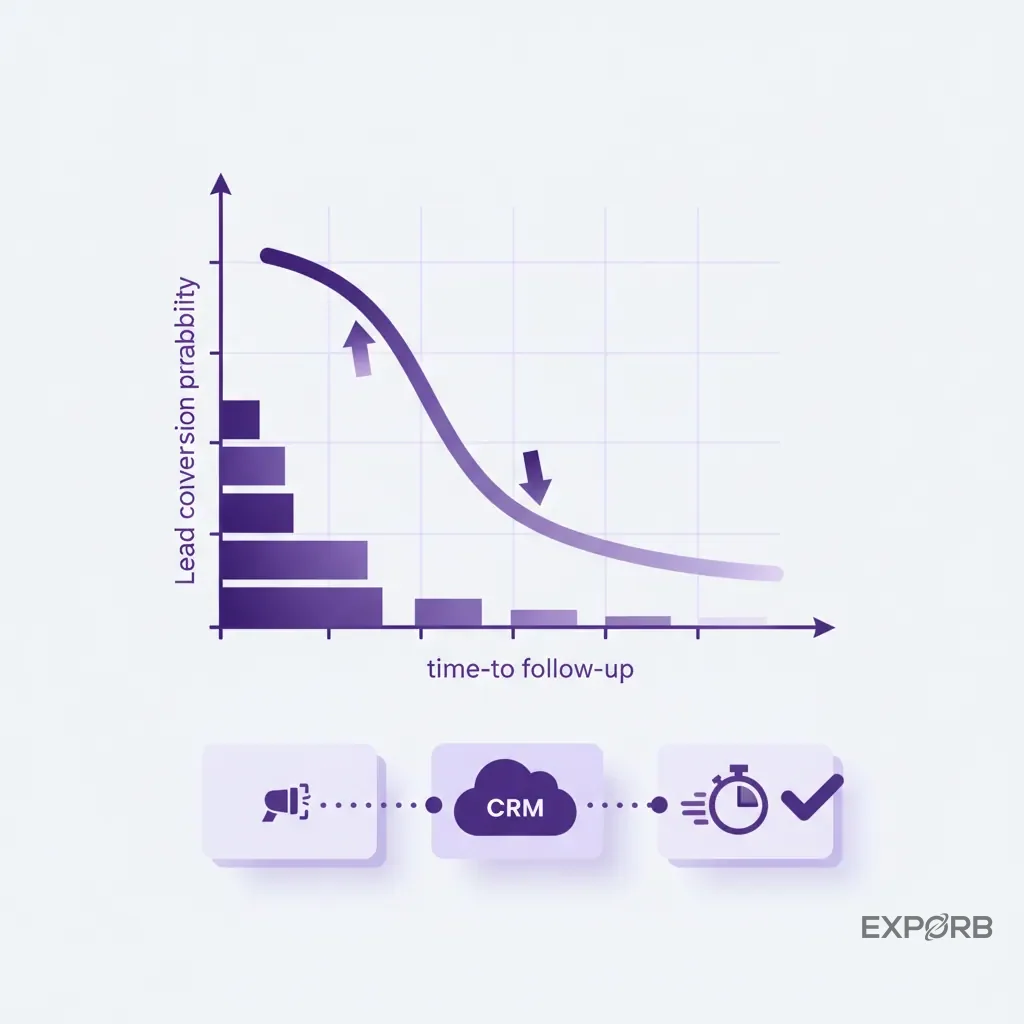
The impact of real-time integrations with Salesforce, HubSpot, and more
Real-time CRM export isn't just a convenience; it's a strategic advantage. It means your entire revenue team has immediate visibility into what's happening on the show floor.
- Sales Development Reps (SDRs) back at the office can begin pre-qualification and research on hot leads instantly.
- Marketing Operations can see which messaging is generating the most qualified leads and adjust in real-time.
- Sales Leadership gets an accurate, up-to-the-minute view of the event's pipeline contribution.
Enabling immediate, personalized follow-up from your marketing automation platform
When a lead hits your CRM in seconds, you can trigger automated workflows immediately. But instead of a generic "Thanks for stopping by our booth" email, you can do so much more.
Because a modern system captures conversational context, you can use that data to send hyper-personalized follow-ups. Imagine a workflow that says: "If lead interest tag is 'Product X' and pain point is 'Scalability,' send Email Template C."
Better yet, some platforms now use AI to draft the follow-up email for the rep right at the booth. The system pulls the prospect's name, company, and the specific pain points from the conversation notes, and generates a personalized draft. The rep just reviews and hits send. The follow-up's done before they leave the event. That's how you win more deals.
What are the key trends in lead retrieval for 2026 and beyond?
The world of lead capture is moving fast. The days of simply renting the organizer's barcode scanner are over. The future is about integrating event lead capture into every part of your revenue engine, using technology to create a smooth experience for both your team and your prospects, and proving the direct impact of events on the bottom line.
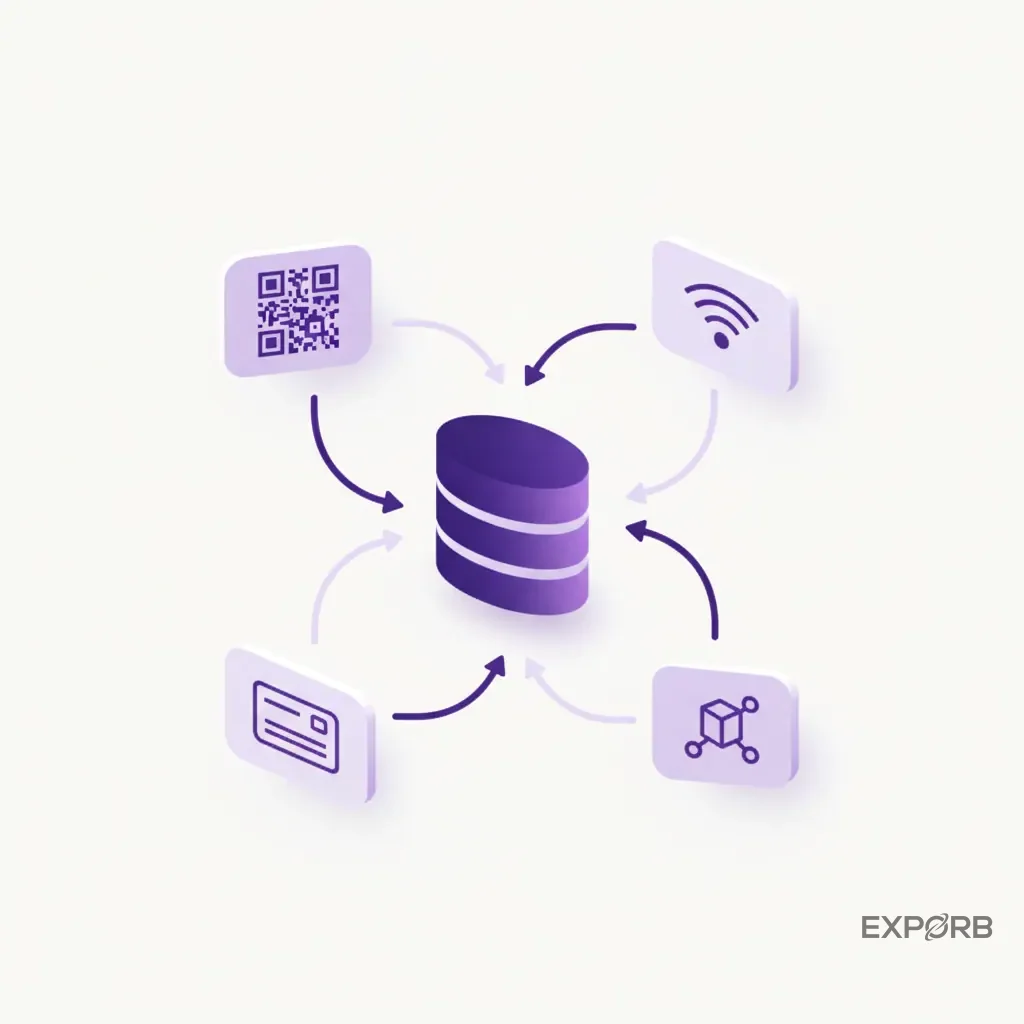
The rise of multi-channel capture: QR codes, NFC, and LinkedIn
The badge is no longer the only source of truth. The best systems in 2026 can capture lead information from anywhere.
- QR Codes: Prospects can scan a QR code at your booth to share their contact info directly from their phone.
- NFC Technology: A simple tap of a phone to an NFC tag can initiate a contact exchange, offering a frictionless experience.
- Business Cards: The classic business card isn't going away. AI-powered OCR that can accurately scan any card in any language is a must-have.
- LinkedIn: Some apps allow you to connect with a prospect on LinkedIn directly from the lead capture interface, adding another valuable touchpoint.
Increased focus on data privacy and compliance (GDPR, SOC 2)
As you collect more data, you take on more responsibility. With regulations like GDPR in Europe and CCPA in California, how you handle personal data is under scrutiny. Companies are now demanding that their vendors—including their lead capture provider—are compliant.
Look for platforms that are SOC 2 certified, which demonstrates a commitment to security and data protection. They should also have features that help you manage consent, so you'll have a clear record of when and how a prospect agreed to be contacted.
Connecting event leads directly to pipeline and revenue attribution
The C-suite no longer accepts "brand awareness" as the primary goal of a trade show. They want to see ROI. The ultimate trend is the ability to draw a straight line from a conversation at a booth to a closed-won deal in your CRM.
This requires a system that doesn't just pass contact info; it passes it with the right campaign attribution. When a lead from "CES 2026" becomes an opportunity and then a customer, that revenue needs to be credited back to the event. This is the holy grail for event marketers—finally being able to prove, with hard data, the immense value of face-to-face interactions.
What are the best lead retrieval software and apps in 2026?
The "best" tool depends entirely on your company's maturity, sales process, and event strategy. A small business attending two local shows a year has very different needs than a global enterprise with a team of 50 at a dozen major expos. The market has evolved to serve these different segments.
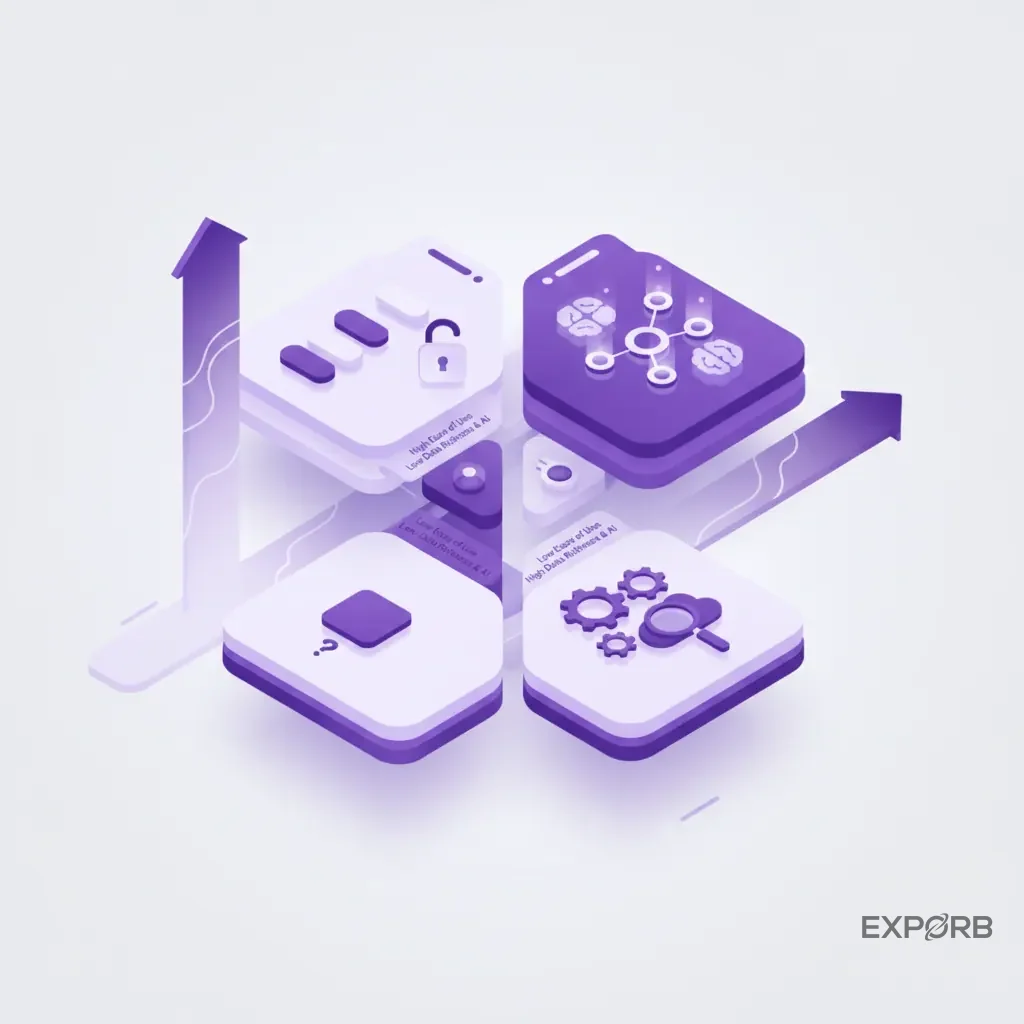
Top universal lead capture platforms
These are the leaders for companies that view events as a strategic, year-round channel. They're event-agnostic, feature-rich, and built around deep CRM integration.
- Exporb: Exporb is known for its focus on AI-powered conversation capture. It's built for founders and sales leaders who want to know what their team's actually learning on the show floor. Features like AI-drafted follow-up emails and real-time team dashboards are designed to close the gap between conversation and revenue.
- Popl: A strong player in the digital business card space that has expanded into a full-featured universal lead capture platform for teams.
- iCapture: A long-standing and solid solution known for its reliability and flexibility in creating custom lead forms and qualifiers.
Best-in-class for specific use cases
Some tools are designed to solve one problem exceptionally well.
- For Small Businesses: Simpler, more affordable apps that focus on excellent business card scanning and basic CRM export can be a great starting point.
- For Enterprise Teams: Platforms with advanced security features (like SOC 2 compliance), granular user permissions, and dedicated account management are often required for larger organizations with strict procurement and IT policies.
Legacy system providers and their modern offerings
The companies that have traditionally provided the rental scanners for event organizers (like Cvent and Maritz) are also adapting. They're increasingly offering their own mobile apps that provide more features than their old hardware. However, these are often still tied to their specific event platform, lacking the true "universal" nature of a platform you own and control. They can be a good option if you exclusively attend events run by a single organizer, but a universal platform provides more flexibility.
How can you build your modern event lead management strategy?
Buying a new tool won't fix a broken process. A modern lead management strategy isn't about software; it's a shift in mindset. It's about treating every booth conversation as a valuable data asset and building a system to capture, enrich, and act on that asset with speed and precision. Here's how to start.
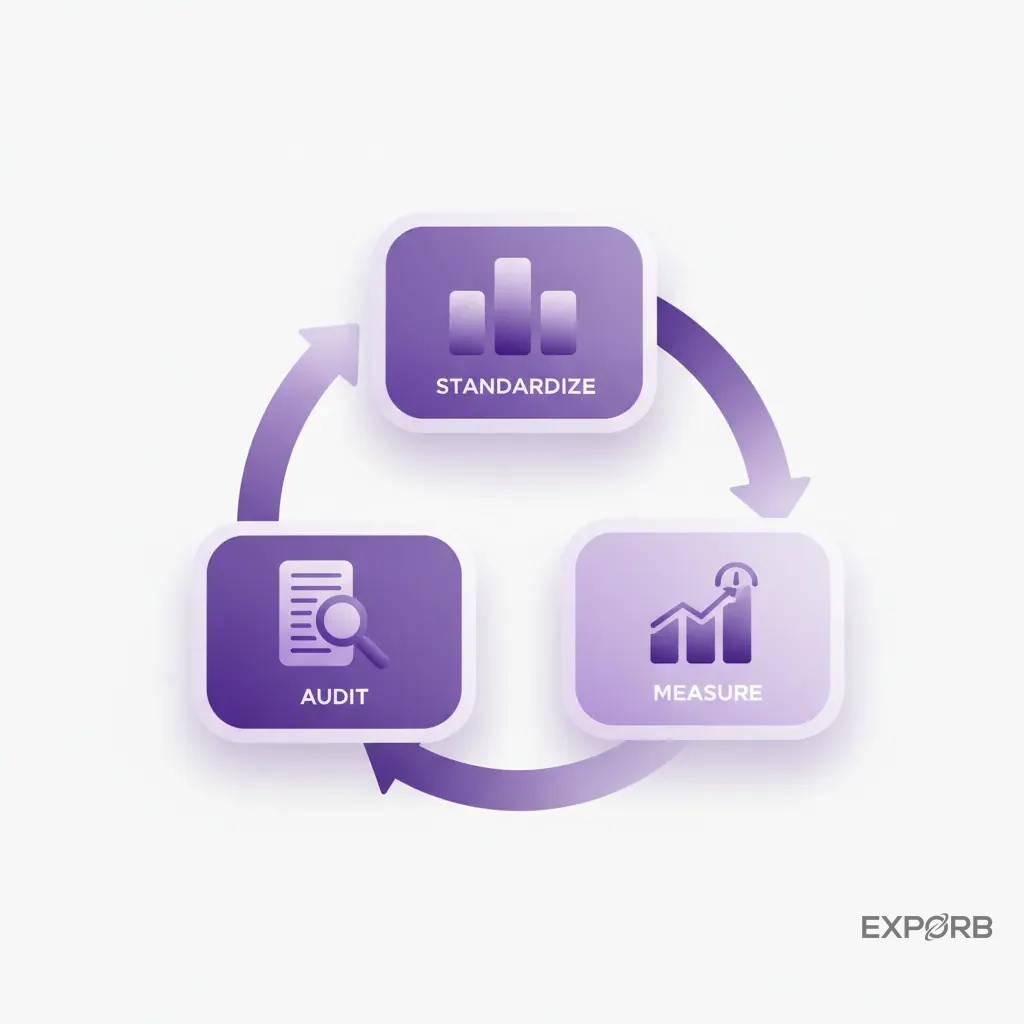
A 3-step action plan to audit your current process
Before you change anything, you need a baseline. Get honest answers to these questions:
- Time: What is your current average "time-to-lead"? From the moment of the conversation, how many hours or days does it take for a lead to be in your CRM and for the first follow-up to be sent?
- Data Quality: Pull the last 100 leads from your most recent event. How many have notes? Are the notes useful? How many have missing or incorrect data?
- Visibility: Can you, as a manager, easily see which booth conversations were the most promising? Or is it a complete black box?
The answers will reveal the biggest leaks in your current process.
Creating a standardized workflow for your entire sales team
Consistency is key. Your entire team needs to be capturing the same core information for every lead. Define a simple, mandatory process. This could include:
- Scanning the badge or business card.
- Adding 2-3 standardized qualification tags (e.g., product interest, buying timeline).
- Recording a 30-second voice note summarizing the conversation and next steps.
This means that every lead that enters your system is clean, qualified, and actionable, regardless of which rep captured it. A platform with a strong team sync feature makes this easy to enforce.
Setting measurable goals for your next trade show
You can't improve what you don't measure. Forget vanity metrics like the number of scans. Set goals that are tied directly to revenue.
- Goal 1: Reduce Time-to-Lead. "Our goal for this show is to have every qualified lead in the CRM within 60 minutes of capture."
- Goal 2: Increase Data Richness. "Our goal is for 90% of all captured leads to have conversation notes or voice memos attached."
- Goal 3: Improve Conversion Rate. "We will track the conversion rate of leads from this event to the 'first meeting booked' stage, aiming for a 25% improvement over our last show."
By focusing on these metrics, you shift the focus from being busy to being effective. You stop collecting contacts and start building a real pipeline.