
You've spent months planning, dropped $50,000 on a stunning booth, and flown your best people halfway across the country. The goal? Pipeline. The reality? A fishbowl full of business cards, a spreadsheet of badge scans with zero context, and a team that can't remember who they promised to follow up with. This is the trade show hangover, and it's killing your ROI. Making a smart lead capture tools comparison isn't a "nice-to-have" anymore; it's the most important decision you'll make for your event strategy.
Most exhibitors get it backwards. They obsess over the carpet color and the height of their hanging sign but spend exactly zero dollars and zero minutes on a strategy for what happens when a real, live prospect walks into the booth. They default to the event's official badge scanner, get a list of names and emails, and then wonder why their generic "Thanks for stopping by!" email gets a 0% response rate.
It's time to stop collecting contacts. Start capturing context. That difference changes everything.
Why have traditional lead capture methods failed in 2026?
For years, the game was simple: scan as many badges as possible. The person with the biggest spreadsheet ultimately "won." But we all know how that story ends. You get a massive data import into your CRM, a demoralized sales team trying to call on cold contacts, and a CFO who questions the entire event budget. That approach is officially dead. It's a relic.
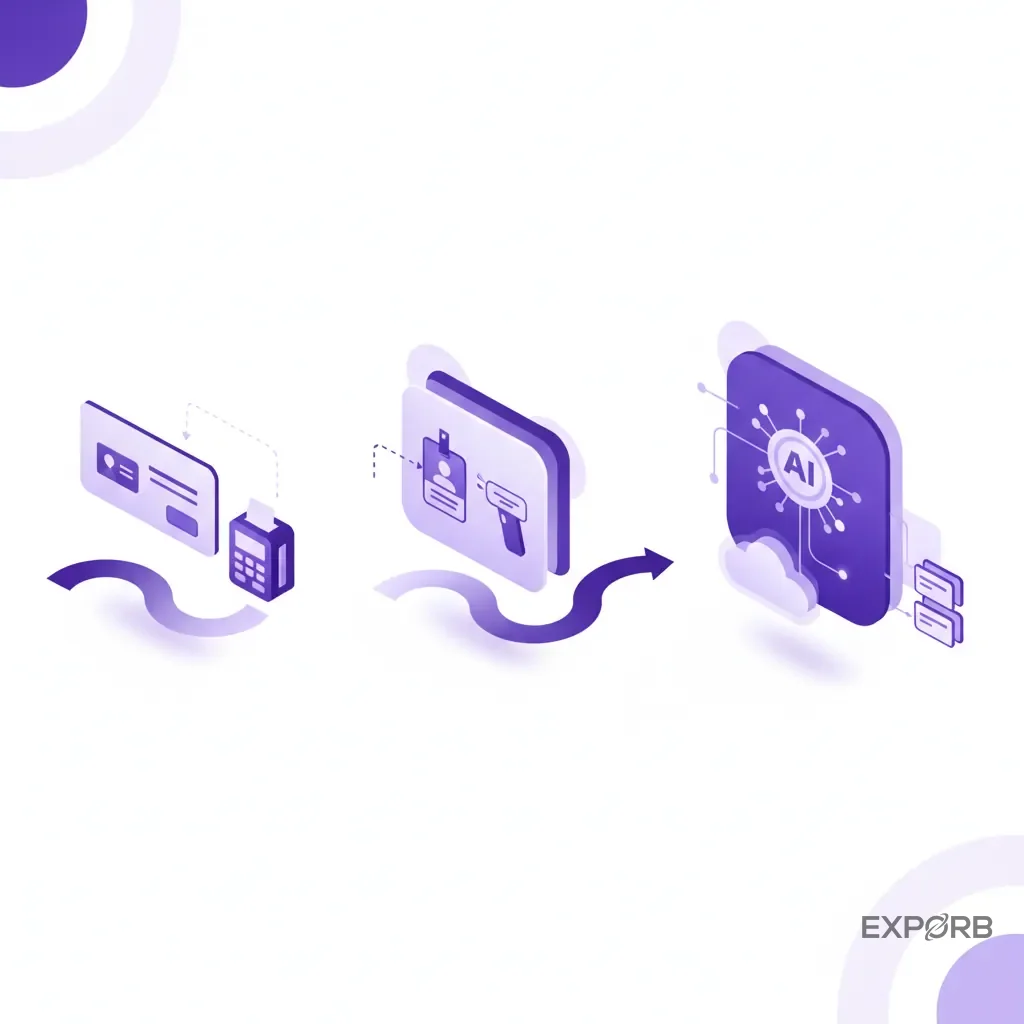
The end of the badge scanner era: from data entry to data intelligence
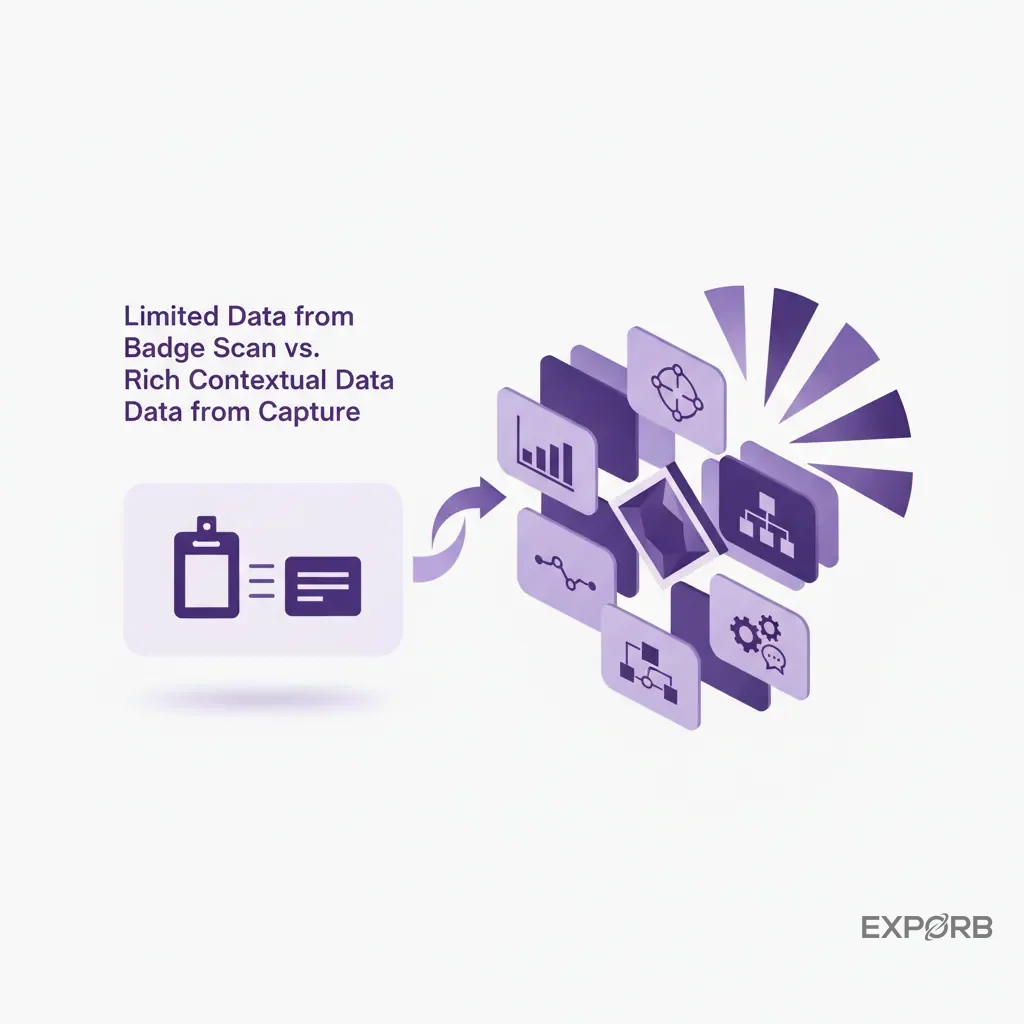
Badge scanners were a step up from paper lead forms, but they've hit a hard ceiling. They give you a name, title, company, and email. That's it. No context. They don't tell you why that person was interested, what specific pain point they mentioned, or that they need a proposal by Friday.
A badge scan is just data entry. It's a digital business card. It isn't intelligence.
The market has shifted. Buyers expect you to know them. They expect a follow-up that references the actual conversation you had. Sending a generic email to a VP of Engineering who just spent 15 minutes detailing their server migration challenges is an insult. It shows you weren't listening. And that's why your follow-up emails are getting ignored.
Modern tools have moved past simple data entry. The new standard is data intelligence, which captures conversational nuances and turns them into structured, actionable insights your sales team can actually use.
The hidden cost of low-quality leads from simple scans
What's the cost of a bad lead? It isn't zero. It's the time your most expensive sales reps waste trying to qualify a contact who was never a good fit. It's also the marketing automation cycles burned on nurturing someone who just wanted a free t-shirt, and the damage to your brand reputation when you send irrelevant follow-ups.
Multiply that by the 500 badge scans you collected. The cost is staggering.
A "lead" without context isn't a lead; it's a liability. Every name on that list that doesn't have associated pain points, budget authority, purchase timeline, or clear next steps drains your resources. According to research compiled by vFairs, the primary goal of exhibiting is Lead generation. But if those leads are just names in a list, you're failing before you even start. The old model of "we'll sort it out later" results in a week of post-show data entry and a pipeline full of question marks.
Meeting the new B2B buyer expectation for personalized follow-up
Think about the last great sales experience you had. Did a generic, one-size-fits-all email start it? Of course not. It was personal, relevant, and timely. That's the expectation in B2B sales today, and you don't suspend it just because the conversation happened on a noisy trade show floor.
When a prospect shares their challenges with you, they expect you to remember. When you agree on next steps, they expect you to follow through. The 2-week delay while your team sorts through a pile of notes and business cards is a deal-killer. By the time you reach out, they've already had three conversations with your competitor who followed up from the show floor.
The tool you choose has to enable this speed and personalization. It can't just be a database. It needs to be an active part of your sales process, helping you capture the details that matter and act on them instantly.
Related: The Ultimate Trade Show Lead Capture Guide
How should you choose the right lead capture tool for your event stack?
Not all lead capture tools are created equal. Some are glorified spreadsheets, while others are powerful sales intelligence platforms. Choosing the right one starts with a painfully honest look at your goals. Don't just pick the one the event organizer offers by default.
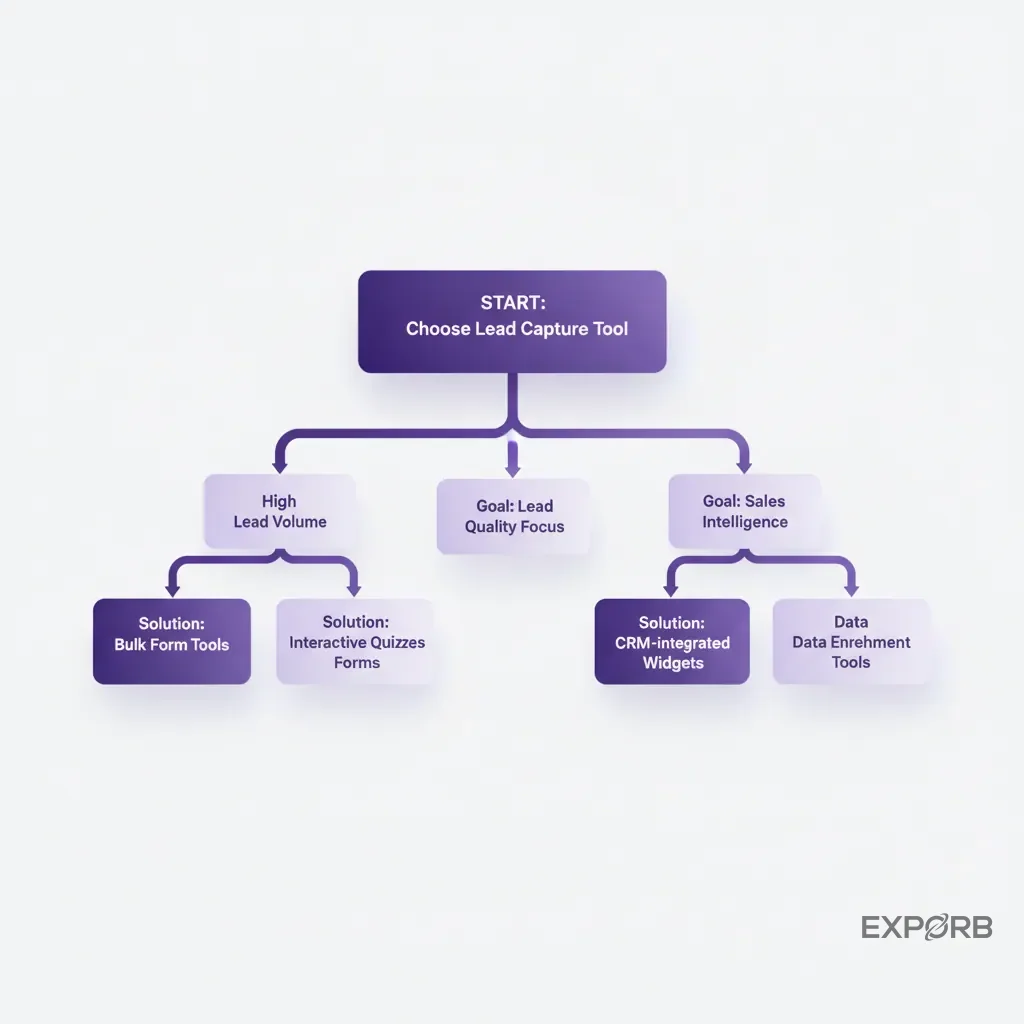
Defining your primary goal: lead volume, lead quality, or sales intelligence?
This is the most important question you need to answer. Be honest. Your answer dictates everything.
- Lead Volume: Are you purely measured on the number of people your team talks to? Is your goal to get as many names as possible for a top-of-funnel marketing nurture campaign? If so, a basic badge scanner or a simple business card scanning app might suffice. This prioritizes quantity over quality. Just know what you're getting into: high volume, low conversion rates, and a lot of manual follow-up work.
- Lead Quality: Is your goal to leave the show with 25-50 highly qualified, ready-to-buy leads? Here, the name and email are just the starting point. You need a tool that lets you add custom fields, take detailed notes, and score leads based on qualification criteria (like BANT - Budget, Authority, Need, Timeline). The focus shifts from "how many" to "how good."
- Sales Intelligence: This is the top tier. Your goal isn't just to find leads; it's to understand the market. You want to know what prospects are asking for, what competitors they mention, and the common objections they raise. This requires a tool that can capture the entire conversation, not just the final summary. You're looking for voice notes, AI transcription, and sentiment analysis. This transforms your booth into a listening post for your entire company.
Your goal determines the features you need. Don't pay for a sales intelligence platform if all you need is a digital rolodex. But don't expect to build a real pipeline with a tool designed for volume.
Key features that turn booth visitors into qualified pipeline
Once you know your goal, you can evaluate features. Look past the marketing fluff and focus on what actually helps your team sell.
- Offline Capability: Trade show Wi-Fi is notoriously unreliable and expensive. Your app must work offline. Your team needs to scan cards, record notes, and capture photos without an internet connection. The app then syncs automatically once it's back online. This is non-negotiable. A cloud-only app is a recipe for disaster.
- Multiple Capture Methods: The best tools are flexible. They should handle business card scanning (using OCR, not manual entry), voice notes, photos, and manual entry. You never know what a prospect will have, so your tool needs to be ready for anything.
- Customizable Qualifiers: You need to add your own fields. This could be a dropdown menu for product interest, a checklist for pain points, or a text field for "Next Steps." Without this, you can't separate the hot leads from the tire-kickers.
- AI-Powered Insights: This feature separates modern tools from the old guard. AI can transcribe your voice notes, analyze the conversation for sentiment and key topics, and even automatically score the lead based on the content of the discussion. This saves hours of manual work and helps you prioritize follow-up.
- Team Collaboration: Can your sales manager see the leads her team is capturing in real time? Can you see who talked to whom to avoid duplicate outreach? A shared, real-time view is essential for managing the booth effectively and to ensure no lead falls through the cracks.
Evaluating integrations: how tools connect to your CRM and marketing automation
A lead capture tool that doesn't talk to your other systems is just another data silo. The export process should be painless. At a minimum, you need a clean CSV or Excel export that you can easily import into your CRM.
The best tools go further. Look for native integrations with major CRMs like Salesforce and HubSpot. A native integration means you can map fields from your capture app directly to fields in your CRM. A lead captured at the booth should appear in your CRM moments later, with all the notes and qualification data intact, ready for the sales team to start their follow-up cadence.
Ask the hard questions during a demo:
- How does it handle duplicate contacts?
- Can I map custom fields?
- Is the integration real-time or batched?
- What happens if the sync fails?
A smooth data flow from the event floor to your CRM is the final, critical piece of the puzzle. Without it, you're right back to the post-show data entry nightmare you were trying to escape.
What are my top picks for event lead capture in 2026?
After attending hundreds of trade shows and testing dozens of apps, I've seen what works and what doesn't. Your choice depends on your primary goal, but these are the tools I consistently see delivering real results.
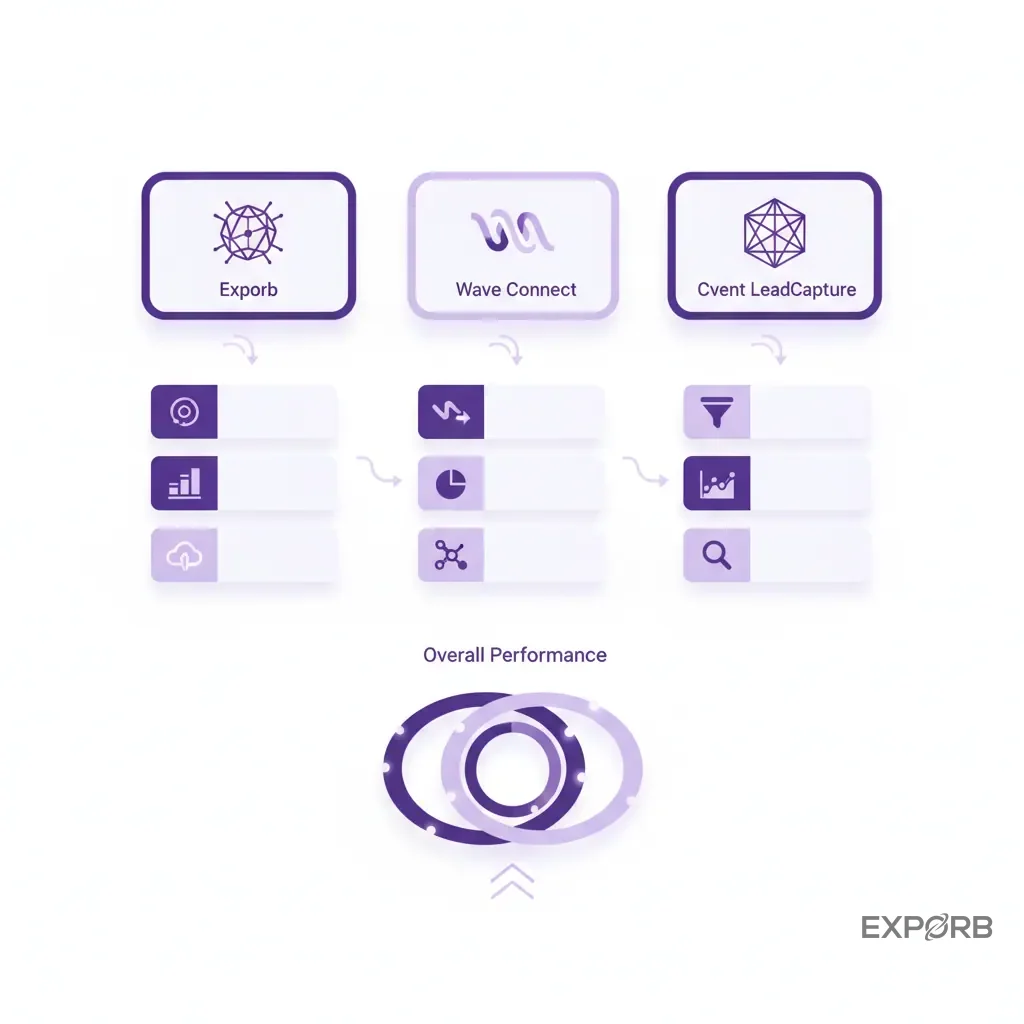
My top pick for AI conversation capture: Exporb
We built Exporb for teams who believe the conversation is the most valuable asset from a trade show. It's designed to solve the "founder blindness" problem — where the leadership team has no idea what was actually discussed at the booth.
Its core strength is turning unstructured conversations into structured, actionable data. Your team can scan a business card, then immediately record a voice note summarizing the conversation. AI transcribes and analyzes that audio when you're back online, pulling out key interests, pain points, and action items. It even drafts a personalized follow-up email based on the context of your chat, ready for you to review and send before you've even left the convention center.
This is the tool for you if your primary goal is sales intelligence and high-quality leads. It's less about scanning 1,000 badges and more about capturing the 50 conversations that will actually turn into revenue. The offline capabilities are solid, to ensure you can capture everything even when the Wi-Fi dies. It doesn't just capture a contact; it captures the context.
My top pick for all-in-one capture and enrichment: Wave Connect
Wave Connect positions itself as a powerful all-in-one platform. According to their own 2026 comparison, they combine badge scanning, Digital Business Cards, CRM sync, and data enrichment into a single solution.
This is a great option for teams that need flexibility. If you attend some shows that require badge scanning and others where you're collecting business cards, Wave Connect handles both. They offer native CRM Integrations with major players like Salesforce and HubSpot, which is a big plus for teams that want a direct, automated data pipeline. Their pricing model, which includes a free tier and then charges on a per-lead basis, can be attractive for companies that exhibit infrequently. It's flexible.
Choose Wave Connect if your goal is a mix of volume and quality, and you need a versatile tool that can adapt to different types of events and has strong, native CRM sync capabilities.
My top pick for existing Cvent platform users: Cvent LeadCapture
If your company's already heavily invested in the Cvent platform for event management, registration, and marketing, then Cvent LeadCapture is often the path of least resistance. As noted in a review by Perspective AI, its biggest advantage is smooth integration with the rest of Cvent's platform.
The data from your lead capture device flows directly into your Cvent database, which can then sync with your other marketing and sales systems. This creates a unified data environment, a huge benefit for enterprise-level event programs. The functionality typically focuses on reliable badge scanning and custom qualifiers. It's a solid, dependable choice for capturing leads within a structured, enterprise environment.
The trade-off is that you're locked into their platform. If you need more advanced features like AI conversation analysis or more flexible offline modes, you might find it limiting. For large teams that live and breathe Cvent, however, it's the most integrated and logical choice.
Related: Badge Scanning vs. Universal Lead Capture at Trade Shows
How do the top lead capture tools compare on features and pricing?
Breaking down the options requires looking at three things: the core technology they use, how they charge you for it, and what real users think. This is where a direct lead capture tools comparison gets interesting, because the philosophical differences between platforms become very clear.
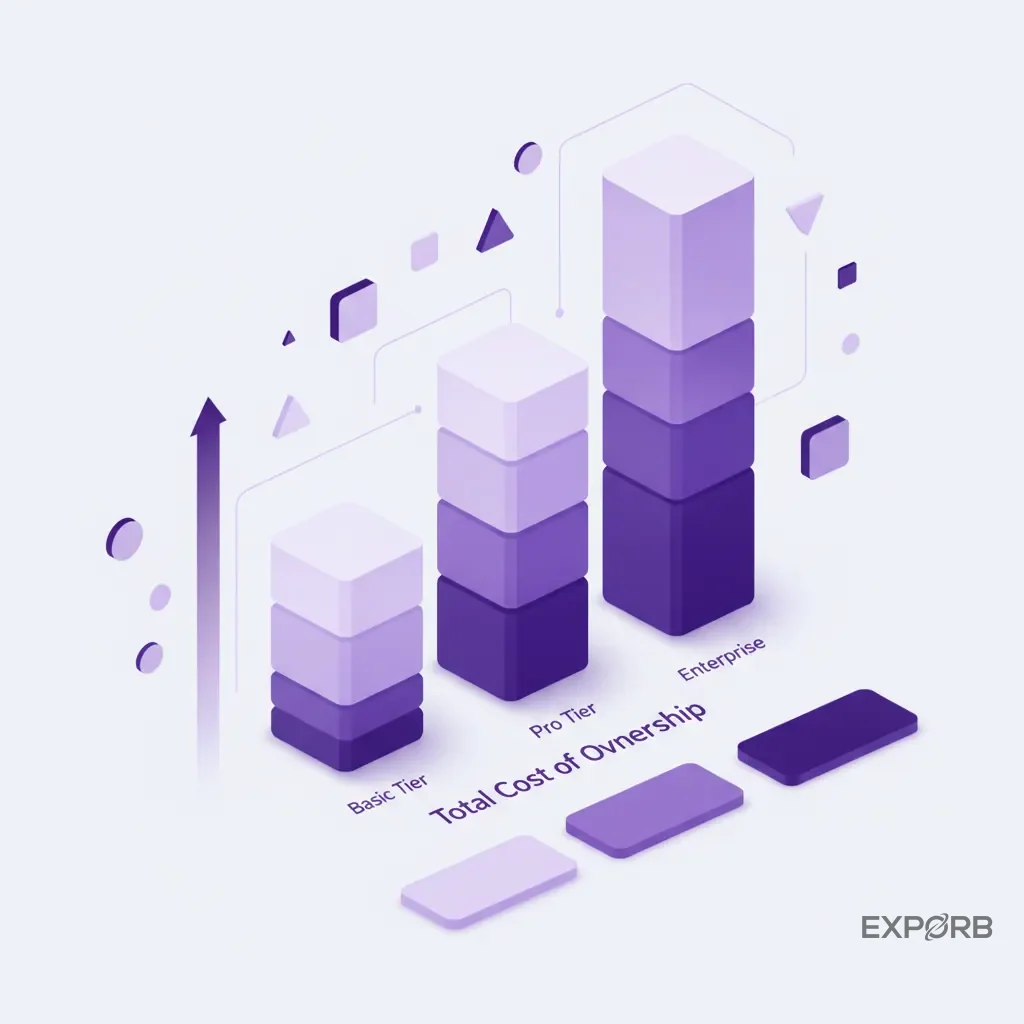
Feature comparison: AI qualification vs. standard OCR vs. badge scanning
The technology inside your app determines the quality of data you get out. Three main approaches exist on the market today.
-
Badge Scanning: This is the traditional method. The event organizer encodes attendee data into a QR code or NFC chip on their badge. Your app, licensed from the organizer, reads that code and pulls the contact info.
- Pros: Fast, standardized for that specific event, often the "official" solution.
- Cons: You only get the data the attendee provided at registration (which can be outdated or incomplete). It provides zero conversational context and is useless for anyone not wearing a badge (like a VIP who walks in off the street). It tells you who you met, but not why it mattered.
-
Standard OCR & Enrichment: This approach uses your phone's camera to scan a business card. Optical Character Recognition (OCR) technology reads the text and populates the contact fields. More advanced tools then enrich this data by pulling public information from sources like LinkedIn or company websites.
- Pros: Universal (works with anyone who has a business card), captures the exact contact info they want you to have, and enrichment adds valuable company data.
- Cons: Still doesn't capture the conversation. It's a faster, smarter way to digitize a business card, but it doesn't solve the "context" problem. You still have to manually type all your notes.
-
AI Conversation Capture: This is the newest and most powerful approach. It starts with OCR for the business card but then adds a layer of intelligence. After scanning the card, you record a voice note. The platform's AI then transcribes the audio, identifies keywords, analyzes sentiment, and summarizes the essential action items.
- Pros: Captures the entire context of the conversation, eliminates manual note-taking, provides structured data for highly personalized follow-up, and gives leadership true visibility into what's happening on the show floor. It transforms your sales team's conversations into a searchable intelligence database.
- Cons: Requires a shift in behavior. Your team needs training to record a quick, concise summary after each quality conversation.
We believe what was said is infinitely more valuable than a name and an email. Our AI-powered voice notes bridge the chaotic show floor and a clean, actionable record in your CRM.
Pricing models unpacked: per-lead, per-event, and annual SaaS subscriptions
Pricing can be confusing, and vendors don't always make it easy to compare. Generally, you'll encounter four models.
- Per-Lead: You pay a fee for every lead you scan or capture. Wave Connect, for example, mentions a model that starts with free leads and then charges on a per-lead basis. This can be great for companies with low volume, but costs can spiral quickly at a busy show.
- Per-Event (or Per-Device): This is common with traditional badge scanning providers. You buy a license for a specific event, often with a limit on the number of devices you can use. It's predictable for a single show, but you're paying for it again and again at every event.
- Annual SaaS Subscription: You pay a flat annual fee for a certain number of users or features. Platforms like Exporb use this model. It's predictable, encourages you to use the tool everywhere (not just at one big show), and the value increases the more you use it. It's a better fit for companies with a consistent event schedule.
- Freemium: A growing number of tools offer a free tier to get you started. This is fantastic for trying before you buy. Both Exporb and Wave Connect mention free starting points, allowing you to test the core functionality without commitment.
The right model depends entirely on your event frequency and lead volume. Don't just look at the sticker price; calculate the total cost over a full year of your event schedule.
A deep dive into user reviews from G2 and Capterra
Lab testing is one thing; real-world performance is another. Before you commit to any platform, spend 30 minutes on G2, Capterra, and the Apple App Store/Google Play Store. Don't just look at the star rating. Read the actual reviews.
- Look for comments about ease of use. Your booth staff won't have time for a 2-hour training session. The app needs to be intuitive.
- Search for mentions of offline mode. Do users complain about losing data when the Wi-Fi drops? That's a huge red flag.
- Check the reviews for customer support. What happens when you run into a problem on the first day of your biggest show of the year? You need a vendor that's responsive.
- Pay attention to reviews from companies of your size and in your industry. An app that's great for a 5-person startup might not work for a Fortune 500 company.
According to a comparison by Blinq, their analysis relies on over 8,800 G2 reviews, which shows just how much data is out there. Do your homework. Real user feedback is the best indicator of how a tool will perform under pressure.
Comparison of Lead Capture Technologies
How can you solve the 'black hole' of post-event sales intelligence?
You approved a $100,000 budget for your company's biggest trade show. Your team comes back excited, telling you they had "great conversations" and collected 400 leads. You ask, "Which ones are ready to buy?" You're met with blank stares and a promise to "go through the notes" next week. This is the post-event black hole, and it's where your ROI goes to die.
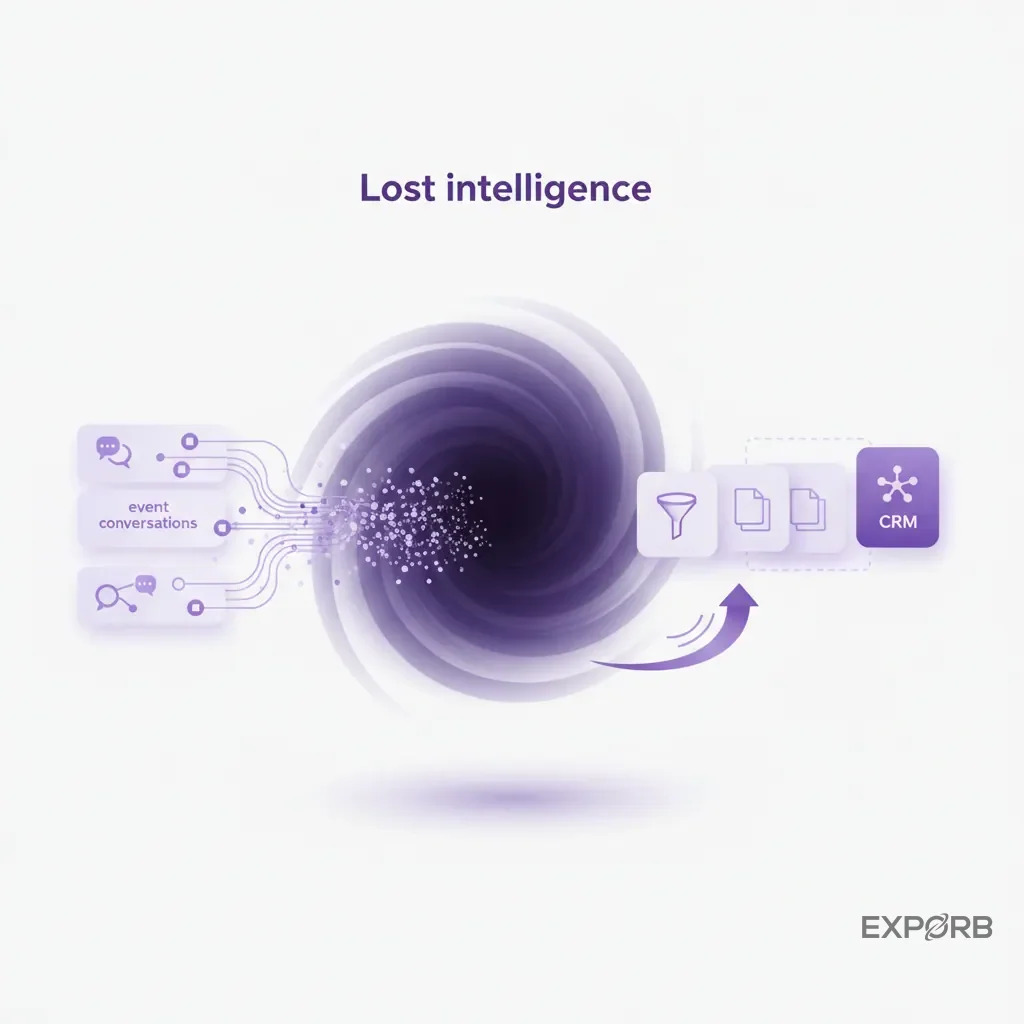
Scenario: The founder who can't see what their team learned at the booth
This is the exact problem we built Exporb to solve. As a founder, I was constantly frustrated. I knew my team was having valuable conversations on the show floor, but that intelligence remained trapped in notebooks, on the back of business cards, or worse, just in their heads.
We'd get a spreadsheet of names, but the critical details were missing:
- What did the prospect complain about most with their current vendor?
- Did they mention a specific feature we're building next quarter?
- What was their timeline for making a decision?
- Who was the real decision-maker they mentioned we should talk to?
Without this information, we couldn't prioritize follow-up, our product team missed out on valuable feedback, and I had no real way to measure if the event was a success beyond a vanity metric of "scans."
Using conversation intelligence to measure booth ROI beyond scan counts
The only way to solve this is to change what you measure. Stop celebrating the number of scans. Start measuring the number of qualified conversations.
Conversation intelligence tools give you a way to do this. By recording and analyzing the discussions your team is having, you can start to track metrics that actually matter:
- Number of leads with a budget mentioned.
- Number of leads with a timeline of <3 months.
- Most frequently mentioned competitor.
- Most requested product feature.
Suddenly, your Event ROI isn't just about how many leads you generated. It's about the market intelligence you gathered, the product roadmap validation you received, and the specific, actionable sales opportunities you uncovered. You can finally draw a straight line from a booth conversation to a closed deal in your CRM.
Exporb's team dashboard gives you this visibility in real time. You can see not just how many leads each rep has captured, but the actual content and quality of those conversations. The black hole disappears.
Misconception debunked: why lead quality matters more than booth traffic
Here's the biggest misconception in the trade show world: more booth traffic is always better. It isn't.
I would rather have my team have ten deep, meaningful conversations with director-level prospects from our ideal customer profile than scan 200 badges of students and vendors just trying to win an iPad.
High traffic often leads to rushed, superficial interactions. Your team is so busy trying to scan everyone that they don't have time to actually listen and qualify. The result is a huge list of low-quality leads that wastes your sales team's time and makes your event look like a failure.
Focus your strategy—and your technology—on quality. Train your team to identify good-fit prospects and spend real time with them. Give them a tool that makes it easy to capture the rich details of those conversations. The goal isn't to have the longest lead list; it's to have the list with the highest conversion rate. That's how you prove ROI and build a predictable pipeline from your events.
Which tool is best for each specific capture method?
The right tool for your competitor might be the wrong tool for you. Your choice should reflect the primary way you plan to engage with and collect information from prospects. Let's map the leading solutions to the specific methods they excel at.
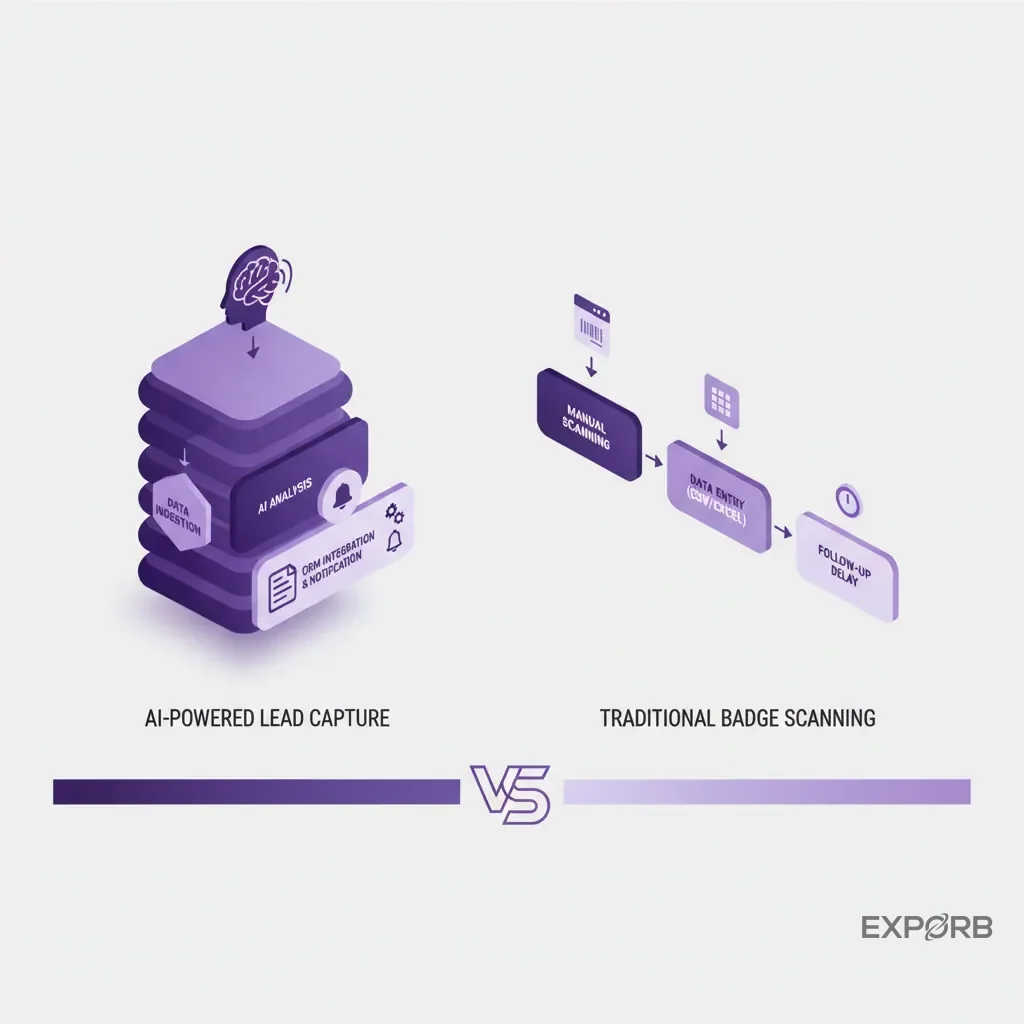
Best for AI-powered conversation capture and offline transcription
If your philosophy is that the conversation itself is the most valuable data point, your choice is Exporb.
We designed it from the ground up for this specific workflow. You meet someone, scan their card (or enter their info), and then immediately record a 30-second voice memo summarizing the key details while they're fresh in your mind. You don't need to be online; the device saves the recording directly.
Later, when you have a connection, the AI gets to work. It transcribes the audio, pulls out entities like company names and action items, and populates the lead record with structured data. This is the best solution for teams that want to eliminate manual data entry and to ensure no conversational nuance is lost. It's for sales-focused teams that need deep intelligence, not just contact information. The ability to capture everything offline and have the AI intelligence kick in later is perfect for the reality of a busy conference hall.
Best for universal badge scanning and simple CRM sync
For teams that prioritize speed and direct integration within a traditional badge-scanning environment, a tool like Wave Connect or iCapture is a strong contender.
These platforms offer versatility. They often have partnerships or technology that allows them to scan the proprietary badges at a wide variety of trade shows. This is a huge advantage if you attend many different events, each with its own "official" scanning provider. You get one app and one workflow for your team, regardless of the show.
Their strength lies in creating a clean, fast pipeline of basic lead data directly into your CRM. They excel at mapping standard fields and to ensure the names you scan on the floor show up in Salesforce or HubSpot quickly. They solve the logistics of lead delivery very well.
Best for digital business cards and modern contact exchange
If you're targeting a tech-savvy audience and want to embrace a fully digital, contactless exchange, a platform like Blinq is the leader.
These tools focus on the moment of contact exchange. Instead of a physical card, you share a QR code or use NFC to direct a new contact to your digital card. They can then save your information directly to their phone's contacts. Your side of the app, in turn, captures their information when they share it back.
This method is modern, eco-friendly, and slick. It's fantastic for networking events, one-on-one meetings, and industries where a forward-thinking image is important. The software centers around managing your own digital identity and smoothly sharing it. While many offer team features, the core function is about the exchange itself. It's a great replacement for the paper business card, but may not have the deep, sales-focused qualification features of a dedicated lead capture platform.
How do you implement a new lead capture system before your next big trade show?
Switching your lead capture process can feel daunting, but a phased approach makes it manageable. Doing this right is the difference between a smooth, successful event and a chaotic mess. Don't just hand your team a new app the morning of the show and hope for the best.
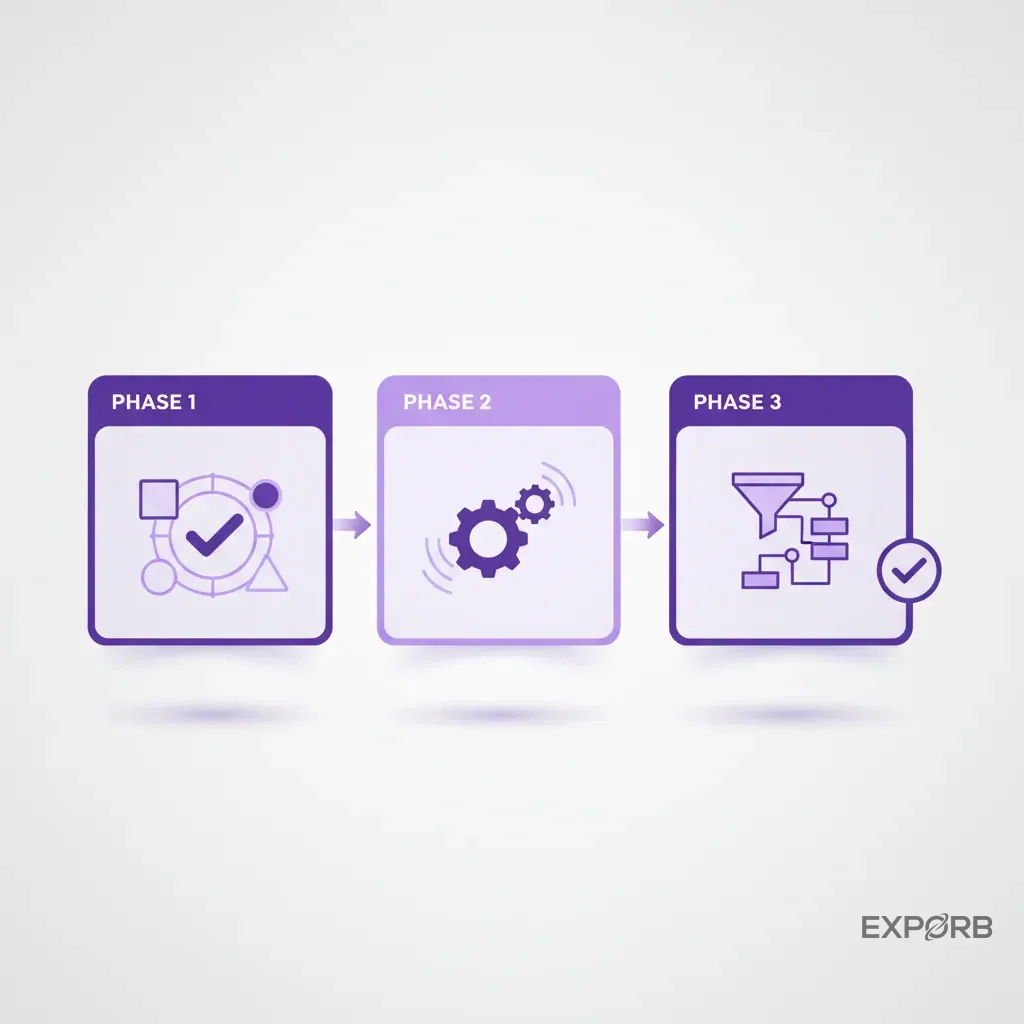
Phase 1: Defining qualification criteria and custom fields in your app
Before you look at any new software, look at your own process. Where does it break down?
- Identify Your "Must-Haves": What 3-5 pieces of information will determine if a lead is hot, warm, or cold? This could be product interest, budget, timeline, or current solution.
- Build Your Custom Fields: Log into your chosen lead capture app and build these criteria as custom fields. Use dropdowns, checklists, and radio buttons whenever possible. This keeps data consistent and easy to report. Avoid open text fields for everything except "Notes."
- Set Up Lead Scoring (If Available): If your tool has lead scoring, configure it now. Assign points to your ideal answers. For example, a timeline of "<3 Months" might be worth 25 points, while ">12 Months" is worth 5. This will help your team prioritize leads in real time.
This upfront work is critical. It transforms your lead capture app from a simple notebook into a powerful qualification tool.
Phase 2: Training your booth staff for high-quality conversations, not just scans
This happens the week before the event. Your tool is only as good as the people using it. A dedicated training session is non-negotiable.
The training shouldn't focus on which buttons to press. It should focus on why you're capturing this information. The goal is to shift their mindset from "scan the badge" to "have a qualifying conversation."
- Role-Play Scenarios: Practice how to naturally ask your qualifying questions during a conversation. How do you pivot from their initial question to understanding their actual needs?
- Teach the Tech: Do a hands-on walkthrough of the app. Have every single person scan a test card, fill out the custom fields, and record a practice voice note. Make sure they know how to use it flawlessly before they hit the show floor.
- Set Clear Expectations: Define what a "good lead" looks like. Explain that you'd rather have 10 fully qualified leads than 100 empty contact records. Set a team goal for quality, not just quantity.
Phase 3: Setting up automated post-event follow-up sequences
This also happens the week before the event. The magic of modern lead capture is the ability to act fast. Don't wait until you're back in the office to think about follow-up. Set it up ahead of time.
If your tool has an email follow-up feature, like Exporb, you can pre-load templates. But you can take it a step further.
- Segment Your Follow-Up: Create different email templates for different types of leads. A hot, ready-to-buy lead should get a personal email from their assigned rep to book a demo. A warm lead might go into a specific marketing nurture sequence. A cold lead might just get a "thank you for stopping by" email with some useful content.
- Configure Your CRM Integration: Make sure the data from your app is flowing correctly into your CRM. Run a few tests. To ensure your custom fields are mapping to the right place. A broken integration can bring your entire follow-up process to a halt.
- Assign Lead Ownership: Have a clear plan for who is responsible for following up with which leads. Is it based on territory? Company size? The rep who took the lead? Define these rules before the show starts to avoid confusion and delays.
By front-loading the work, you transform the post-show period from a week of chaos into a smooth, automated process of turning conversations into pipeline.
What are the most common questions about trade show lead capture?
When you're evaluating new tools and processes, a lot of questions come up. Here are the clear, direct answers to the ones I hear most often from event marketers and sales leaders.
Lead retrieval vs. lead capture: what's the difference in 2026?
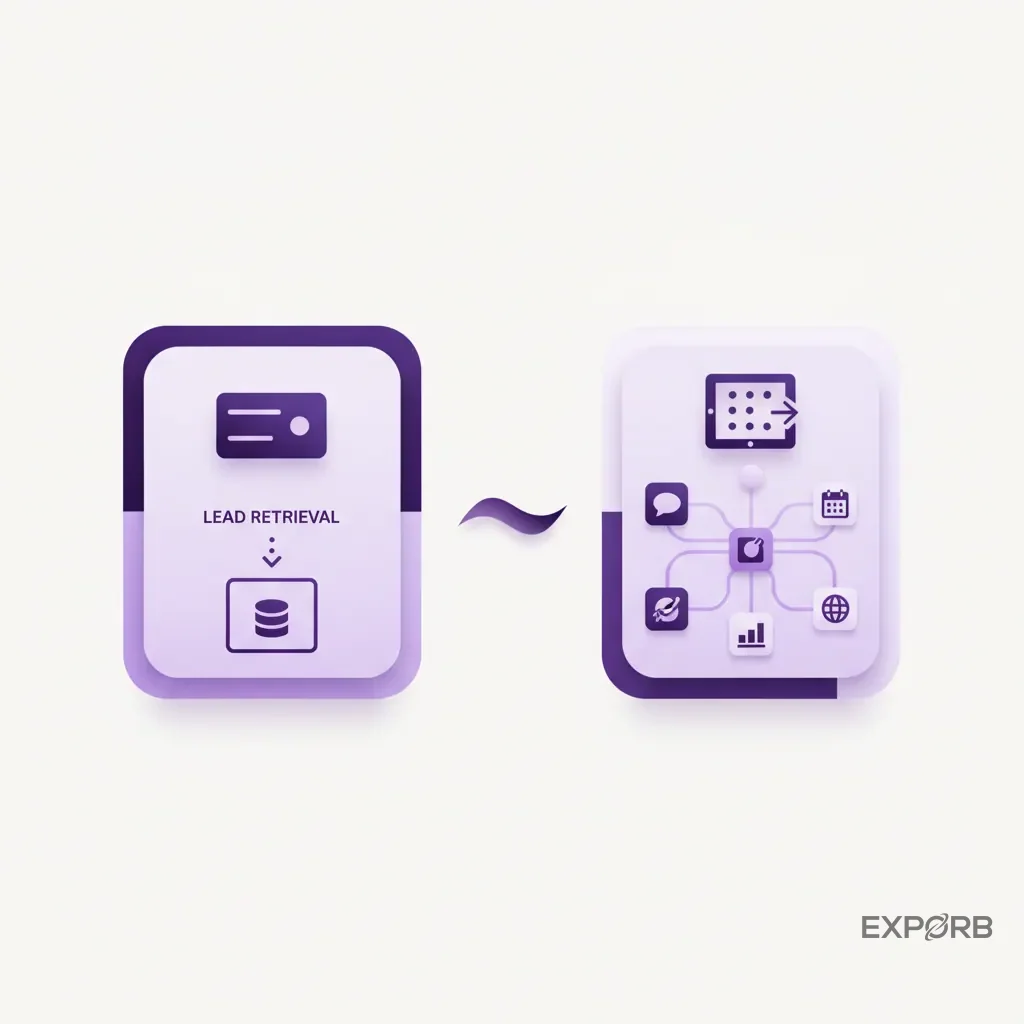
Lead retrieval is simply getting a contact list. Lead capture is gathering sales intelligence.
- Lead Retrieval represents the old model. It refers to using the event-provided device (or app) to scan a badge and retrieve the basic contact information the attendee provided at registration. You've done the job once you have the name and email. The output is a list.
- Lead Capture is the modern approach. It includes retrieving the contact information but adds critical layers of context and qualification. This means adding notes, answering custom qualifying questions, taking photos, and recording conversation summaries. You've done the job when you have a clear picture of the opportunity and the next steps. The output is a qualified prospect.
In 2026, if you're still just doing "lead retrieval," you're falling behind. The value isn't in the list anymore; it's in the intelligence attached to each name on it.
What key features should you look for in event Lead capture software?
There are four must-have features every modern lead capture platform needs:
- Rock-Solid Offline Functionality: The app must allow you to capture all types of information (scans, notes, photos, voice) without an active internet connection. The chaos of the show floor is no place for an app that needs constant connectivity.
- Customizable Forms/Fields: You must be able to tailor the app to your specific qualification process. If you can't add your own questions and fields, you can't properly qualify leads.
- Multiple Capture Methods: The tool should be a Swiss Army knife, ready to capture a lead from a business card, a badge scan, or even just a verbal conversation. Relying on just one method is too restrictive.
- Easy Data Export & CRM Integration: You must get the data out of the app and into your system of record (like your CRM) simply, cleanly, and fast. A clunky export process creates a bottleneck that delays follow-up and kills deals.
How do modern apps handle offline capture and data sync?
This is a critical point of confusion. "Offline mode" doesn't mean the entire app works without internet. It means the capture functionality works offline. Here's how it works in a well-designed app:
- Capture Offline: Your team on the show floor can scan cards, take photos, record voice notes, and fill out qualification forms, all with their phone in airplane mode. The device stores this data securely.
- Queue for Syncing: The app keeps a queue of all the leads it has captured but not yet synced to the cloud.
- Automatic Sync Online: As soon as the device regains an internet connection (whether it's the spotty show Wi-Fi or the hotel Wi-Fi that night), the app automatically begins syncing the queued data to the central server in the background.
- Cloud-Based Processing: Advanced features like AI transcription, data enrichment, and lead scoring happen in the cloud after the data syncs.
This hybrid approach gives you the best of both worlds: the reliability of on-device capture and the power of cloud-based intelligence.
How can you track your sales team's networking activity beyond the booth?
The most valuable conversations often happen outside the four corners of your booth. The dinner with a key prospect, the chat at the hotel bar, the one-on-one meeting in a coffee shop – these are often where real deals get done. But how do you capture that intelligence?
Tools and strategies for tracking one-on-one meetings and dinners
Your lead capture strategy shouldn't end when the exhibit hall closes. The same tool your team uses in the booth should be on their phone for every off-site meeting.
The process is the same. After a great dinner conversation, your sales rep should take 30 seconds before getting in the Uber to pull out their phone, find the contact in their app (or add them), and record a quick voice note: "Just met with Sarah from Acme Corp. They're definitely moving forward with a project in Q3. She needs a proposal by next Tuesday focusing on our integration capabilities. I'm the point of contact."
By using one central app for all event-related networking, you ensure this critical intelligence doesn't get lost. It becomes part of the official event record, linked to the contact and synced to the CRM with the same level of detail as a lead from the booth. This gives you a complete 360-degree view of your team's activity and the opportunities they uncovered.
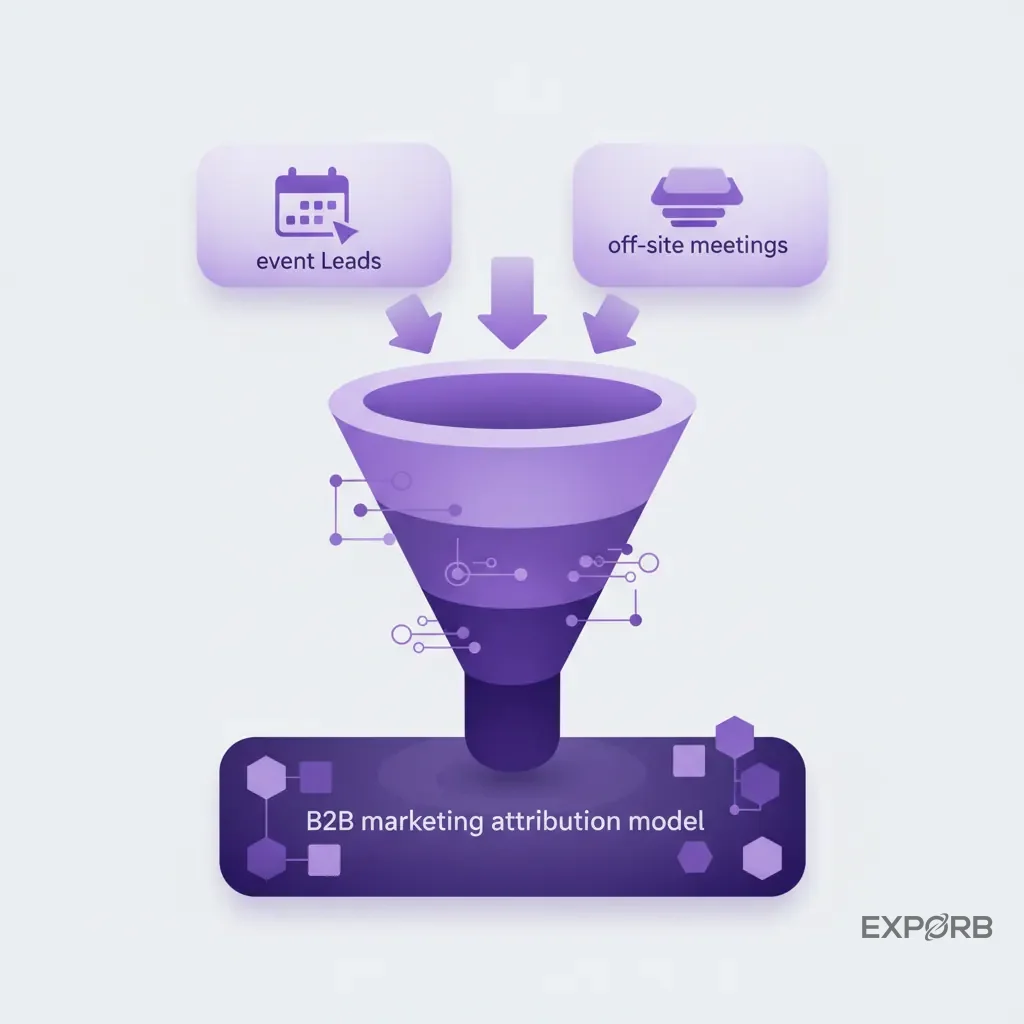
Integrating event leads with your overall B2B marketing attribution model
For too long, trade shows have been a black box for marketing attribution. It was nearly impossible to prove which deals originated from which event. Modern lead capture tools, when integrated properly, solve this.
When you capture a lead at an event and sync it to your CRM, tag it with the event name. This is your source data. From there, your marketing automation platform and CRM can track that lead's entire journey.
You can finally answer questions like:
- What was the close rate for leads from CES vs. Dreamforce?
- What's the average deal size for leads captured by our enterprise reps vs. our commercial reps?
- How many marketing touchpoints does it take to close an event-sourced lead compared to an inbound web lead?
This transforms your event program into a measurable revenue driver instead of a cost center. You can justify your budget with hard data and make smarter decisions about which events to attend in the future.
Recommended articles for further reading
Related: How to Use AI for Lead Scoring at Trade Shows Related: 5 Follow-Up Email Templates That Actually Get Replies
Your action plan to turn your next booth into a pipeline machine
Reading about a better process is one thing. Implementing it's another. Let's make this simple. You don't need to boil the ocean. Just take the next two steps to fundamentally change your trade show ROI.
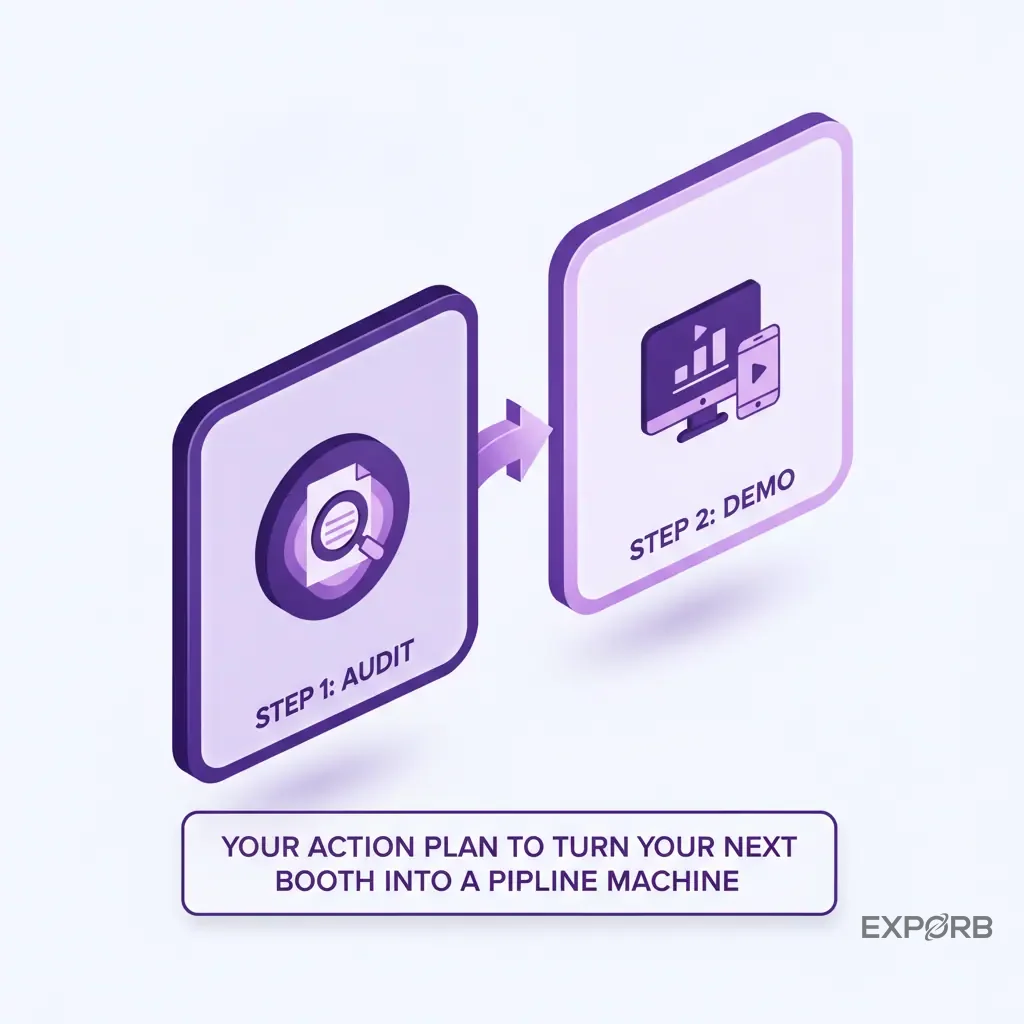
Step 1: Audit your current process and identify the biggest bottleneck
Before you look at any new software, look at your own process. Where does it break down?
- Is it at the point of capture? (Messy handwriting, lost business cards)
- Is it in the data entry phase? (Takes two weeks to get leads into the CRM)
- Is it in the follow-up? (Generic emails, slow response times)
- Is it in the measurement? (You have no idea if events are actually working)
Find the single biggest point of failure. That's the problem you need to solve first. You should laser-focus your tool choice on fixing that bottleneck.
Step 2: Schedule demos with your top 2-3 contenders based on your primary goal
Don't just sign up for the default option. Based on your primary goal—volume, quality, or intelligence—and your biggest bottleneck, pick two or three promising tools from this guide and schedule a proper demo.
Come prepared with a list of questions specific to your problems. Make them show you exactly how their tool solves it.
- "Show me how you handle offline capture when the Wi-Fi is dead."
- "Show me the exact process of getting a lead from your app into our Salesforce instance."
- "Show me how a sales manager can see what their team is doing in real-time."
A good partner will be happy to show you. A vendor who can't is a red flag.
Stop collecting contacts, start capturing context
You wouldn't send your sales team cold calling without a CRM. You wouldn't let your marketing team run campaigns without an automation platform. So why are you still sending your team to six-figure trade shows armed with nothing but a fishbowl full of business cards? The technology to fix this is here. It's accessible, affordable, and it works.
The shift is simple but profound: stop thinking about lead count. Start prioritizing conversation quality. Stop collecting dead business cards. Start building a library of sales intelligence. The right tools turn every conversation your team has into structured, actionable data, which builds a real, measurable pipeline. Your next event will be your best ever—once you fix this broken process.