You've seen them everywhere. Booth walls, name badges, coffee cups at the sponsored lounge. QR codes aren't new — but what exhibitors do with them has finally caught up to what the tech can deliver.
The old approach was a dead end: a QR code linked to your homepage. That's it. All the work dumped on the prospect. Zero data for you. That's not lead capture. That's a fancy URL shortener.
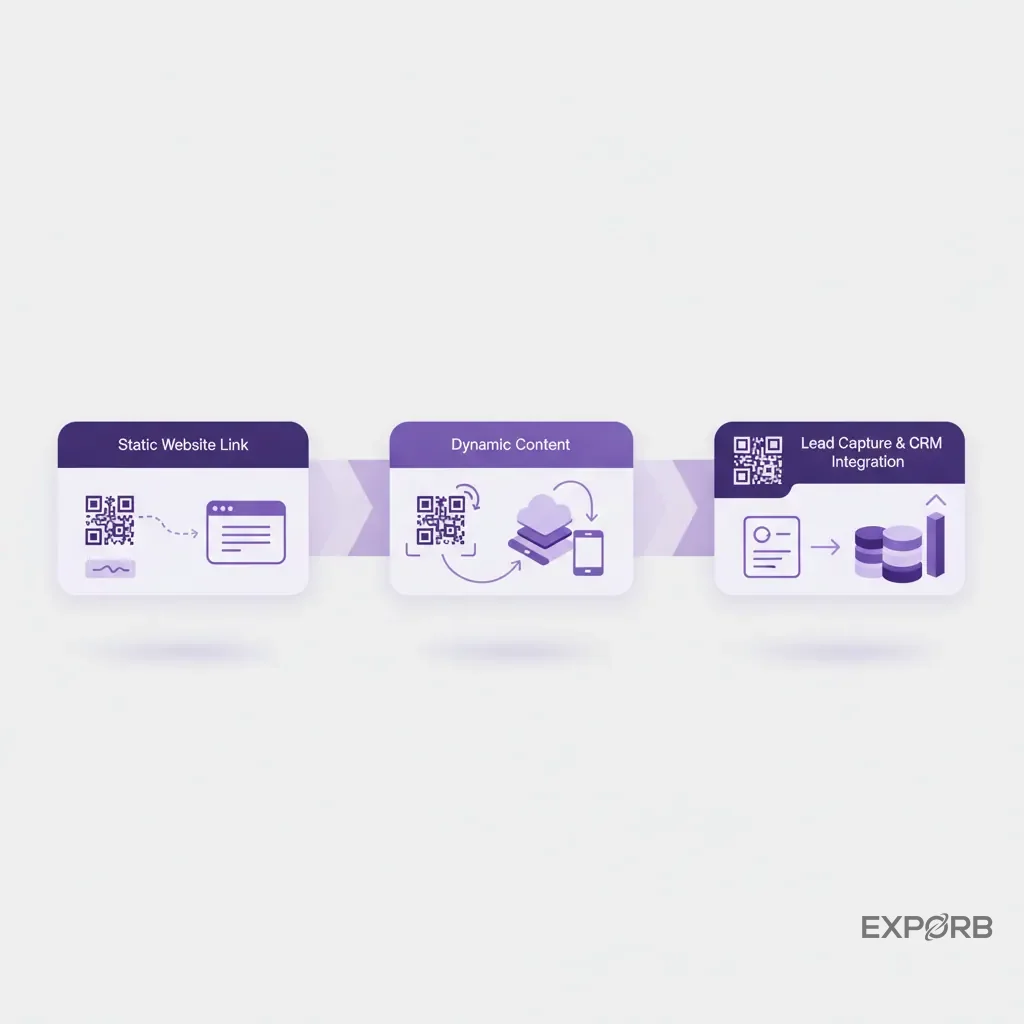
Modern QR code lead capture actually earns its keep. When someone scans your code, they're not visiting a URL — they're starting a data exchange. A clean mobile form pulls basic info and asks one or two qualifying questions. It's a conversation, not a homework assignment. You capture interest the moment it happens, not a week later when someone fishes a crumpled card out of their pocket.
Remember the giant fishbowl? The one full of business cards you'd sort through after the show, trying to remember which scribbled note went with which conversation? That fishbowl was hope on day one and despair on day three. You'd spend a week on data entry, your competitor already booked the demo, and half the cards were illegible anyway.
QR codes connected to a proper capture system change everything. Every scan is structured data. You know who scanned, what they were interested in, and where they were standing when they did it. That data hits your dashboard in real time. You're building pipeline on the show floor — not assembling a pile of paper.
And skip the homepage. A QR code can trigger a demo, a quiz, a meeting scheduler, a resource download — whatever fits that moment with that person. Supercode found that smart exhibitors use QR codes to grow social followers and track engagement touchpoints. You spent thousands getting them to scan. Don't send them somewhere generic.
How does a modern QR code lead capture system actually work?
It's not just a scanner app. It turns a 10-second booth interaction into a qualified, CRM-ready lead — without anyone typing anything.
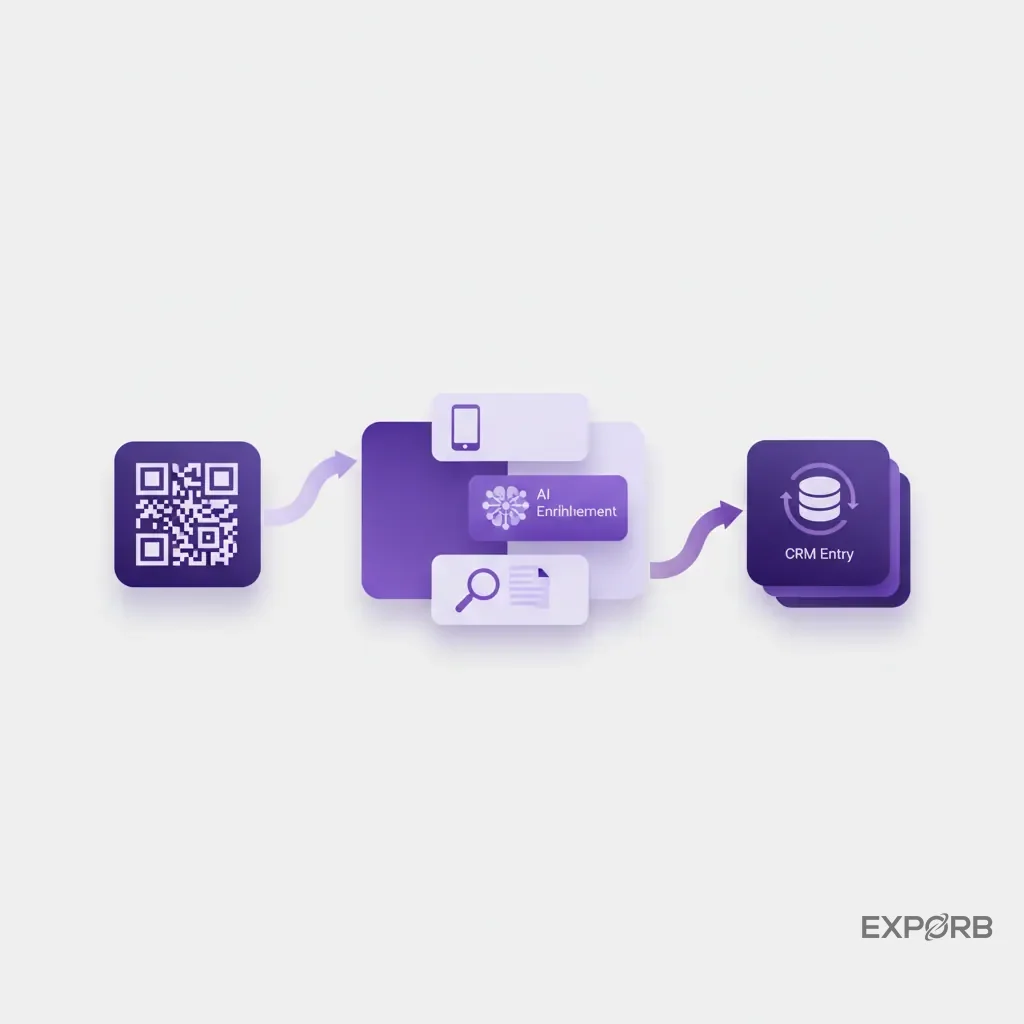
Here's the typical journey:
-
Scan. An attendee scans the QR code. A pre-filled form opens on their phone, pulling data from their digital badge or social profile. No typing required.
-
Qualify. The form asks one or two quick questions. "What's your biggest challenge with X?" Done in seconds.
-
Enrich. The moment they submit, AI pulls in company data, job title, social profiles — building a complete picture behind the scenes.
-
Sync. The enriched lead drops into your CRM — with any notes your booth staff added.
-
Notify. Your sales rep gets a ping: new qualified lead, ready now.
Seconds. Not days.
The reality of the show floor: you need more than one capture method
Some events have badge scanners. Some don't. Some prospects hand you a card, some prefer digital. You can't bet on one method.
Your team needs one app that scans badges, snaps business cards, and lets prospects scan a QR code — all feeding the same structured pipeline. Modern platforms combine OCR for business cards, badge QR reading, and manual input. Same format, same event, no matter how you captured the lead.
AI enrichment: what happens after the scan
A name and email from a scan is a starting point, not a lead. AI fills in the rest: LinkedIn profile, company size, industry, even recent news about their organization. At Exporb, we go further — we transcribe voice notes from the conversation to pull out pain points, buying intent, and sentiment. Your sales team doesn't just get a name. They get context for a real follow-up.
Related: The Ultimate Guide to Trade Show Lead Capture
What AI-powered QR tools actually give your sales team
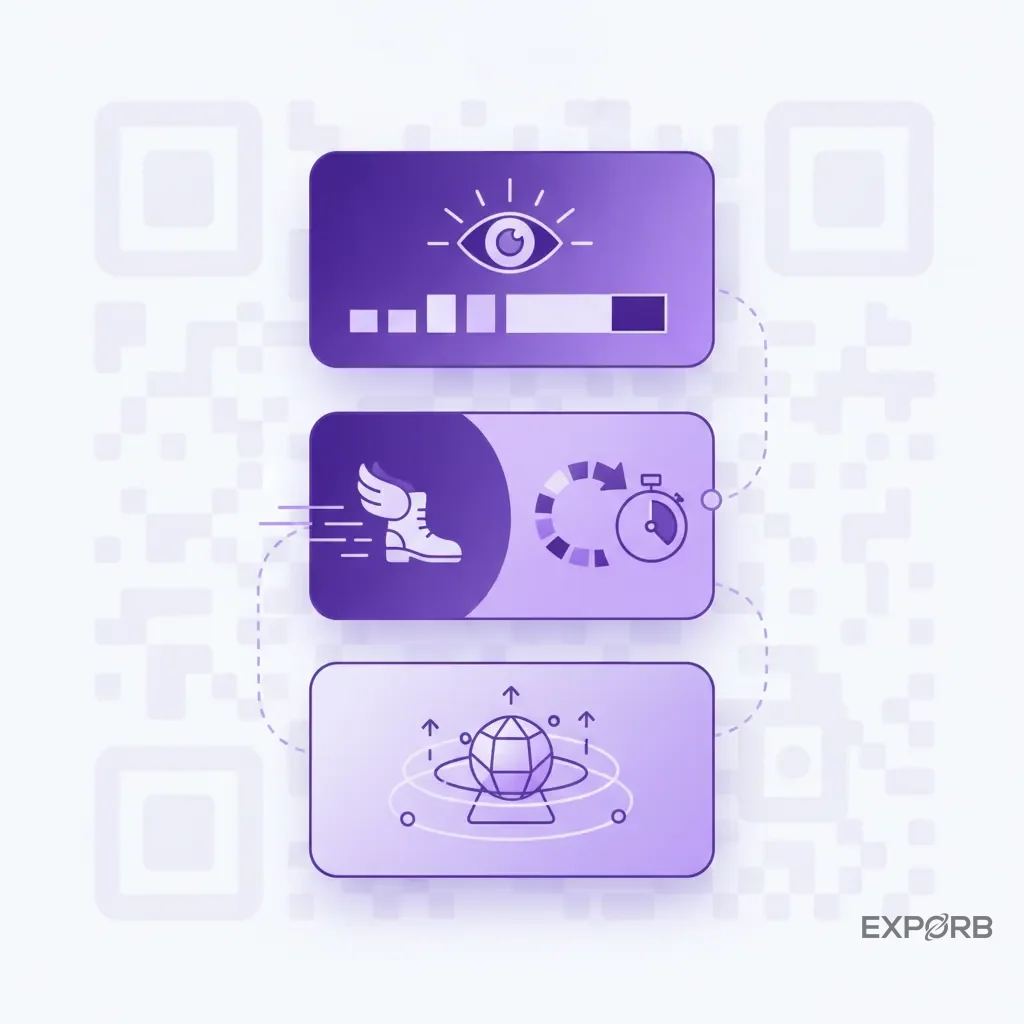
AI isn't a buzzword on the show floor. It automates the tedious stuff, surfaces what you'd miss, and gives your team context they can actually use.
Founders finally see what their teams learned
Here's a scenario that should keep you up at night: you spend $100K on a trade show. Your team talks to 200 people. You ask "who were the best leads?" and get shrugs. Half-remembered conversations. Messy notes. You have no idea which deals are real.
We built Exporb to kill that pattern. Your team records short voice notes after each conversation. AI transcribes and analyzes them — interests, pain points, agreed next steps. As a founder, you get a dashboard with every meaningful conversation laid out. No black box. You see what your team learned and guide follow-up with actual data.
No more 10-field forms on a phone
Nobody fills out ten fields standing in a loud exhibit hall. It's a bad experience and they won't do it.
Progressive profiling solves this: the QR scan asks for name and email only. AI enrichment handles company, title, and public data behind the scenes. Your follow-up email links to a second form for the next logical question. Small steps, not a wall of fields.
Hot leads get called first — automatically
You've got 200 leads. Who do you call at 9am Monday?
AI scoring looks at title, company size, industry, and sentiment from conversation notes. It assigns a score — hot, warm, cold. Hot leads from the West Coast go to your SF rep's queue with a priority flag. The right leads get the right calls in hours, not weeks.
Where to put QR codes so people actually scan them
A QR code nobody sees is worthless. Think traffic flow, sight lines, dwell time. Make scanning the natural next step.
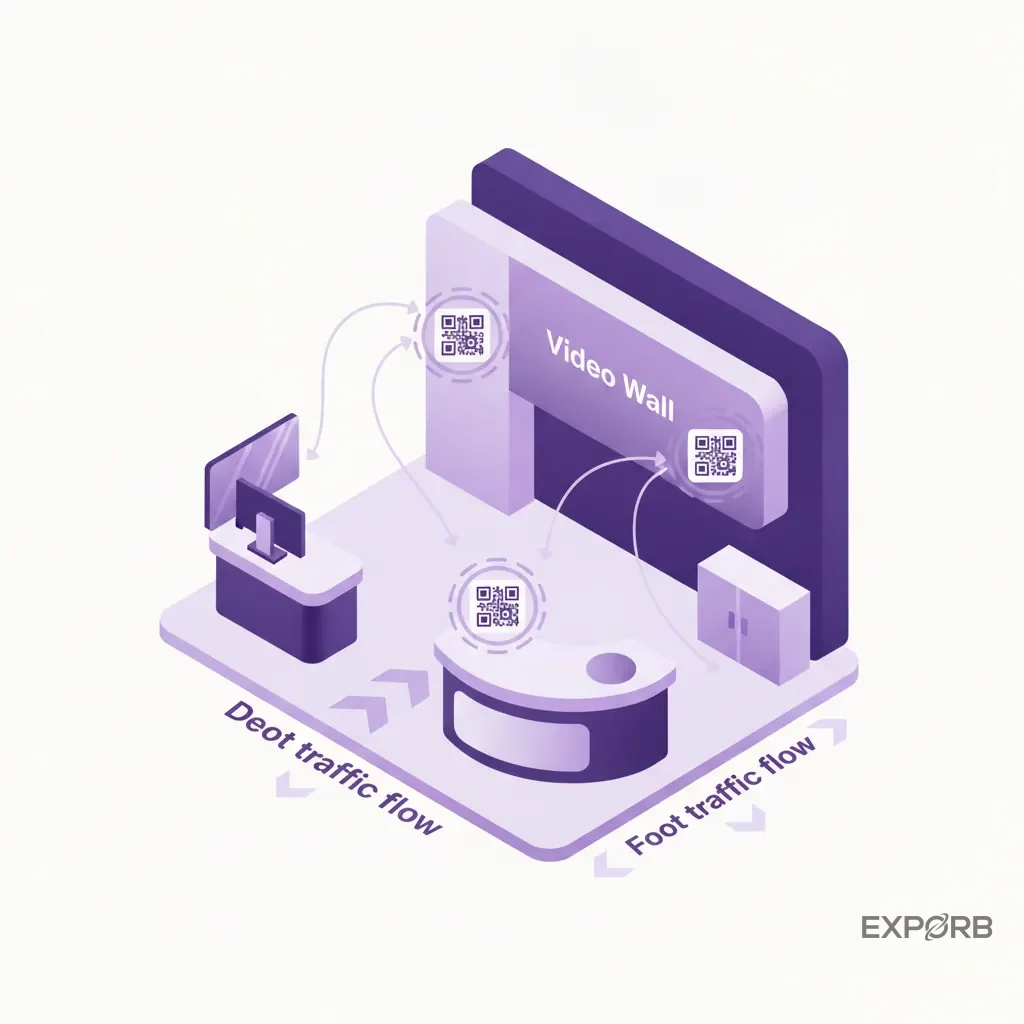
On the booth itself
Your booth is prime real estate. Don't hide the QR code in a corner.
- Welcome counter. Large, clear code where people approach. "Scan to see a demo" or "Scan to get our latest report."
- Video walls. 3D LED walls hold up to 95% of a visitor's attention. Put a dynamic QR code inside the video content.
- Demo stations. Unique QR code per product. Link to a case study or spec sheet for that specific thing. Now you know which products generate interest.
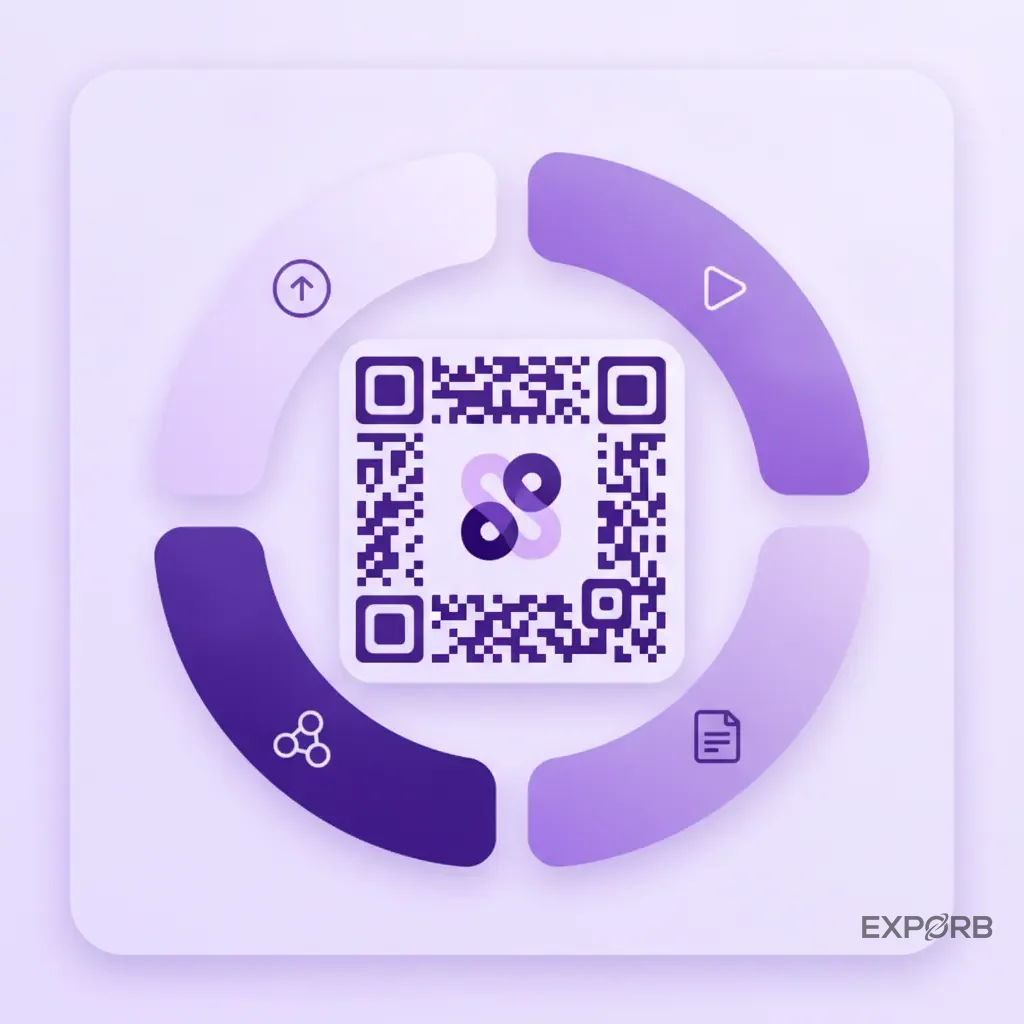
Beyond the booth
- Speaking sessions. End your talk with a big QR code on the slide. Offer the deck or a whitepaper for scanning.
- Printed collateral. Every flyer and brochure needs a QR code. It bridges physical to digital and shows you who engaged.
- Sponsorships. Wi-Fi lounge, charging station, coffee bar — put your branded QR code with a contextual offer. "Scan for our guide to X while you charge."
Make the code worth scanning
A generic black-and-white QR code works — but it's boring. Customize it: brand colors, your logo in the center, clean shapes. A branded code gets scanned more. And always put a call to action next to it. "Scan for a free trial" beats a floating QR code with no explanation.
What QR code lead capture does to your ROI
This is where it gets real. Modern lead capture shortens your sales cycle, boosts engagement, and tells you what actually worked.
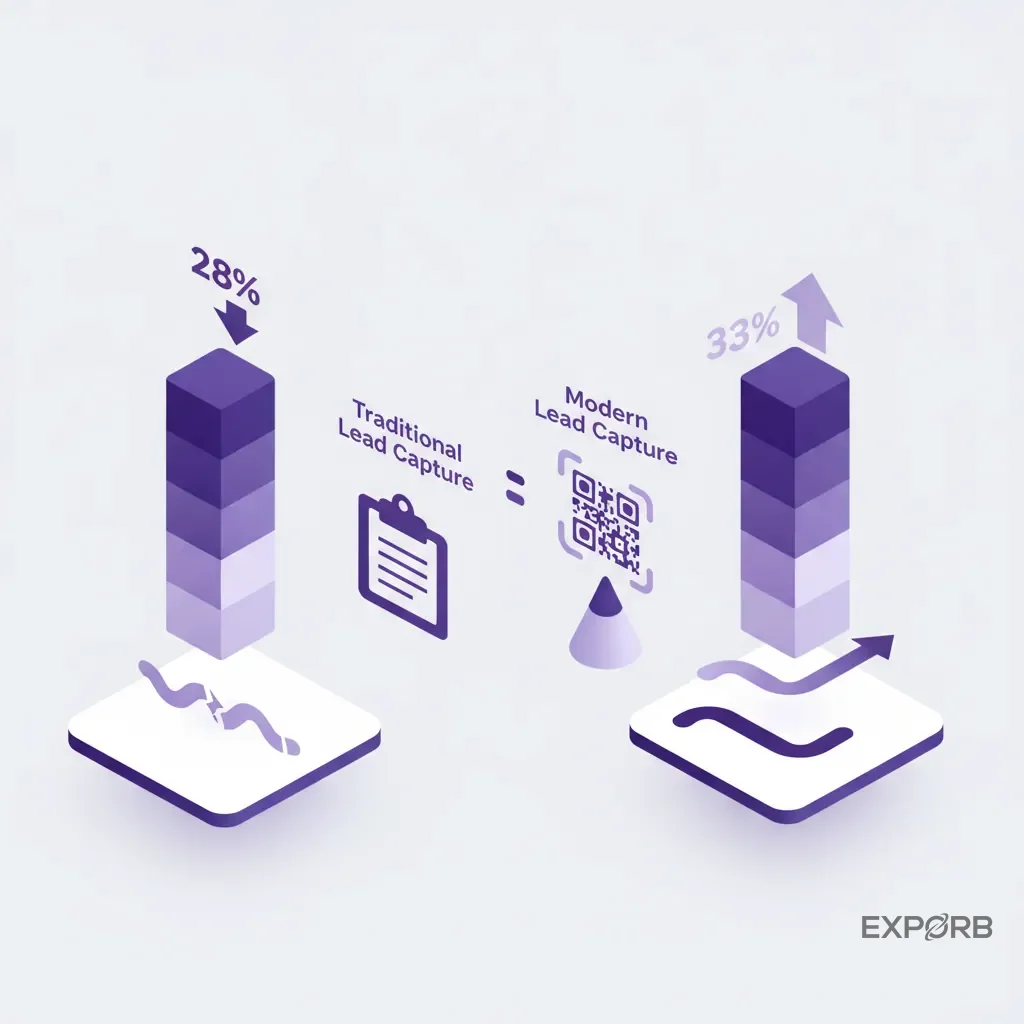
28% shorter sales cycle
The biggest ROI killer at trade shows is the gap between capture and follow-up. Your team comes back with a bag of cards. Days of data entry. By the time follow-up happens, the lead is cold.
Radon Exhibition found that real-time CRM integration shortens the sales cycle by 28%. Someone scans and qualifies a lead at 10am on the show floor — it's in your CRM with a personalized email by 10:05am. That speed wins deals.
33% more booth engagement
Getting people to stop is hard. Getting them to interact is harder. QR-based gamification works: scavenger hunts where attendees scan codes around your booth, live polls with leaderboards, interactive demos triggered by a scan. The same research found that gamification boosts engagement by 33%. More engagement = more conversations = more qualified leads.
You finally know what worked
With traditional methods, leads from your speaking session, demo station, and flyer all go into the same bucket. You can't tell what drove results.
Unique QR codes per touchpoint solve this. One code for your presentation, another for the booth counter, a third for the print ad. Your dashboard shows exactly which channels produced the best leads. You calculate ROI per activity and optimize next time — instead of guessing.
Related: How to Calculate and Maximize Your Trade Show ROI
Picking the right tools for 2026
The market has everything from free QR code generators to full event management platforms. A few features are non-negotiable.
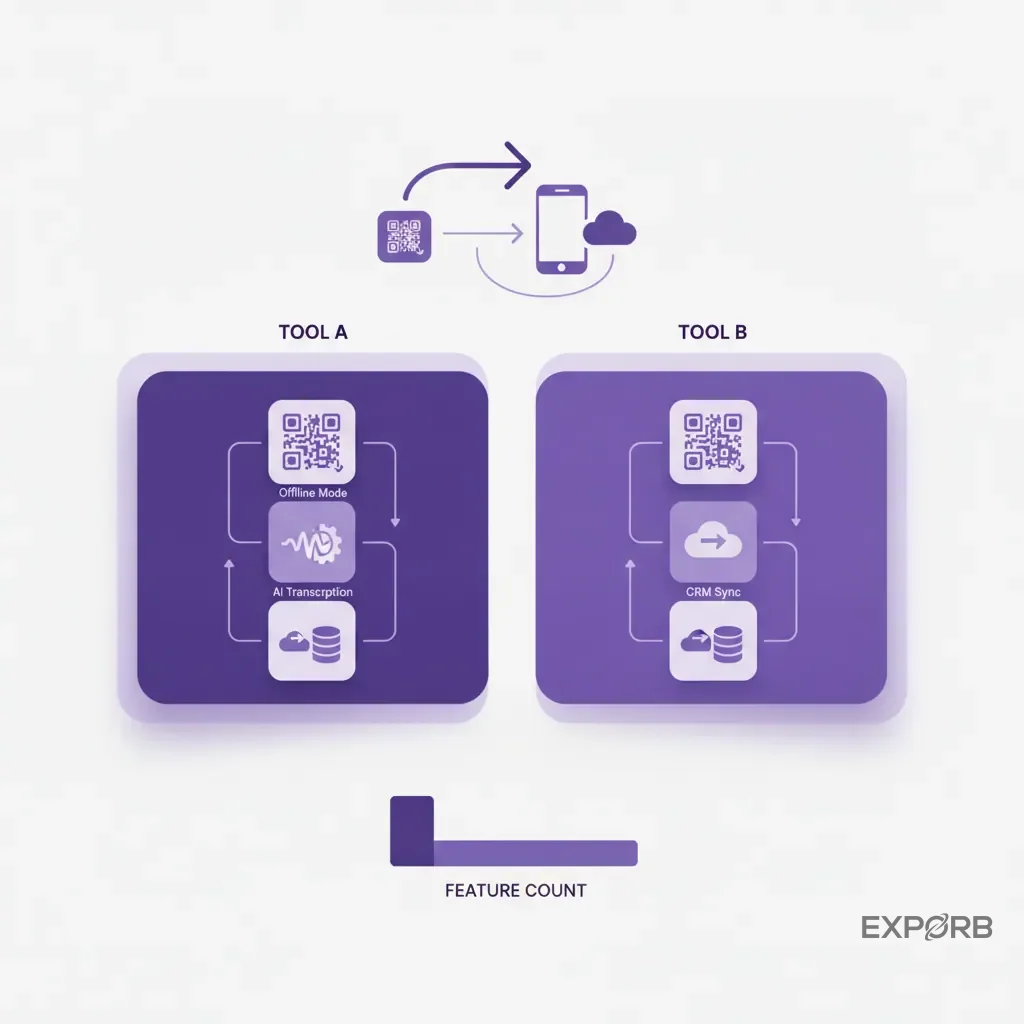
All-in-one platform vs standalone QR generator
A standalone QR generator is cheap but limited. It creates a code pointing to a URL and that's it. You still need to build the landing page, the form, and figure out CRM integration yourself.
An all-in-one platform handles the whole workflow: QR code, mobile form, AI enrichment, CRM sync. One system of record for all your event leads. It costs more but saves more — and the data quality alone usually justifies it.
What actually matters: offline, transcription, CRM sync
-
Offline mode. Trade show Wi-Fi is terrible. Your app must work without internet — scan, record notes, save leads. Sync when back online. This isn't optional.
-
AI transcription and analysis. A name isn't enough. You need context. Voice notes with AI transcription turn conversations into data.
-
Native CRM sync. Direct integration with Salesforce or HubSpot beats a CSV export. Look for automatic field mapping, owner assignment, and workflow triggers.
Pricing comparison
Comparison of features across different types of lead capture tools.
How to build an effective lead capture QR code
Creating the code is easy. The strategy is what makes it work.
Step 1: Decide what you want and what you need
Before you open a QR code generator, answer this: what should they do after scanning, and what's the minimum info you need?
Don't send them to your homepage. Send them to a page built for this event. Clear value ("Get the report from today's session") and a simple form. Be ruthless about fields. Name, company, email. Every extra field tanks your conversion rate.
Step 2: Design the code for your booth
Brand it. Add your logo, use brand colors, keep contrast high. A dark code on a light background always works. Put a clear call to action next to it: "Scan to win" or "Scan for demo." Tell them why they should pull out their phone.
Step 3: Test then deploy
Test on iOS and Android. Test from different distances and angles. Check that the landing page loads fast and the form submits cleanly. Use a dynamic QR code — not static — so you can change the destination later without reprinting. Dynamic codes also give you scan analytics: how many scans, when, from where.
Teams winning with QR code lead capture
What does success look like on the floor? Smaller teams outrunning bigger competitors through speed and better data.
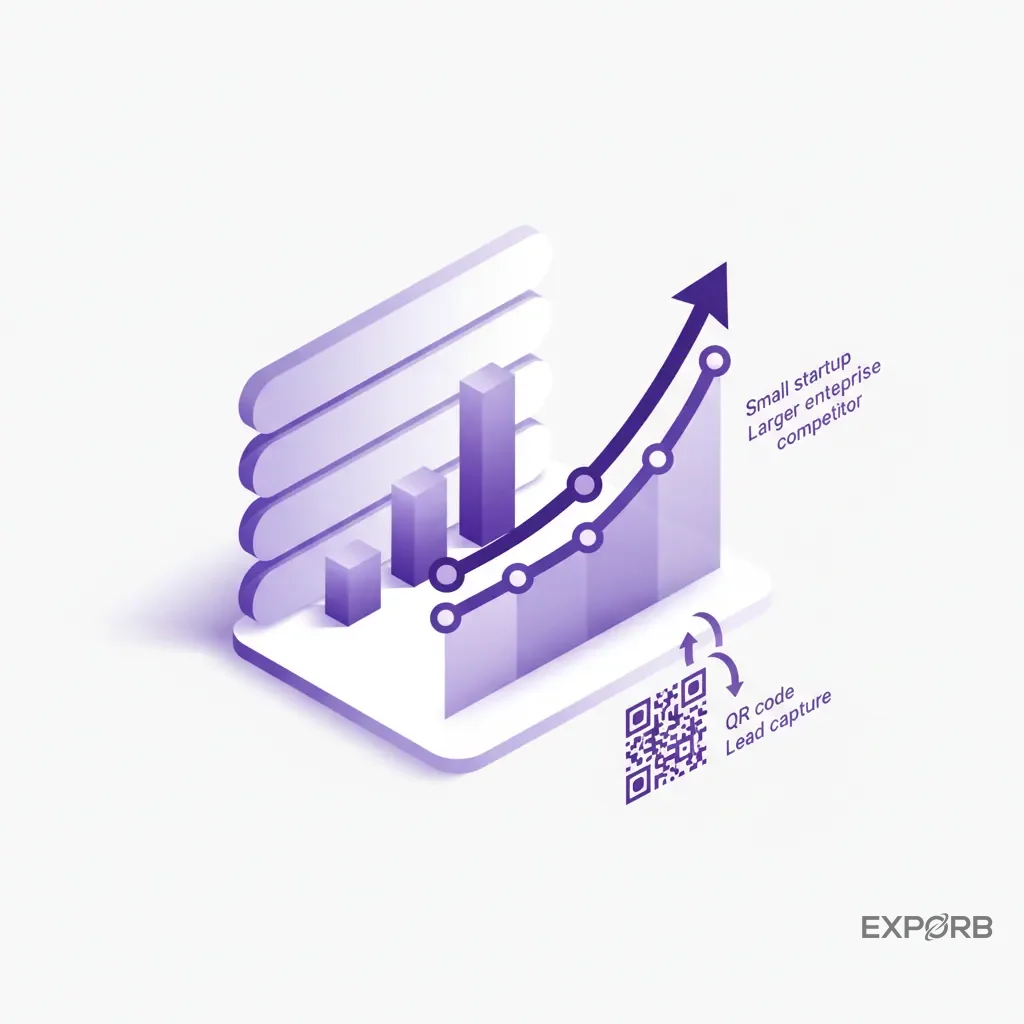
We worked with a 10-person SaaS startup at their industry's biggest show. Tiny booth, surrounded by billion-dollar companies. They couldn't outspend — so they outspeeded.
They put up a large QR code: "Scan to get our benchmark report and a 5-minute demo." Every scan triggered AI lead scoring. Director-level contact from a target account? The co-founder got a Slack notification immediately. He'd find the person and start a conversation within minutes. AI drafted the follow-up emails using conversation context, sending them before the attendee left the booth.
By the end of the show: 40 qualified demos booked. Their massive competitors were still sorting through business cards.
We asked event marketing agencies about the most common QR code mistake. Same answer every time: no dedicated destination. "Sending a scan to your homepage wastes the moment," one partner told us. "You've got a motivated person. Send them to a page that continues the conversation — not a generic landing page."
And the feedback we hear most from users: the death of the post-show spreadsheet. A marketing director at a mid-size tech firm told us: "Before, the week after a show was data entry hell. Now we walk in Monday morning and Salesforce already has the leads — assigned, scored, first follow-ups sent. Completely changed our events ROI."
Frequently asked questions about QR code lead capture
Privacy and data consent — what's the rule in 2026?
GDPR and CCPA are strict. The good news: a QR code leading to a form makes consent explicit. Filling it out is opting in. Always include an unchecked marketing checkbox and a link to your privacy policy. Be transparent about what you collect and why. Don't be sneaky.
Can I do this without spending a lot?
Yes. Start with a free QR generator linked to a Google Form. It's already better than a fishbowl. But you'll hit the wall fast: manual data entry from Google Sheets to CRM, no enrichment, no scoring, no offline mode. A low-cost entry tier on a platform like Exporb gives you the workflow without the commitment.
What happens when the Wi-Fi dies?
Plan for it. Assume it will fail. Your tool needs real offline mode — capture, scan, notes, everything stored locally, auto-sync when back online. If your app can't do this, it's not a professional tool. Test it in airplane mode before the event.
Your QR code lead capture checklist
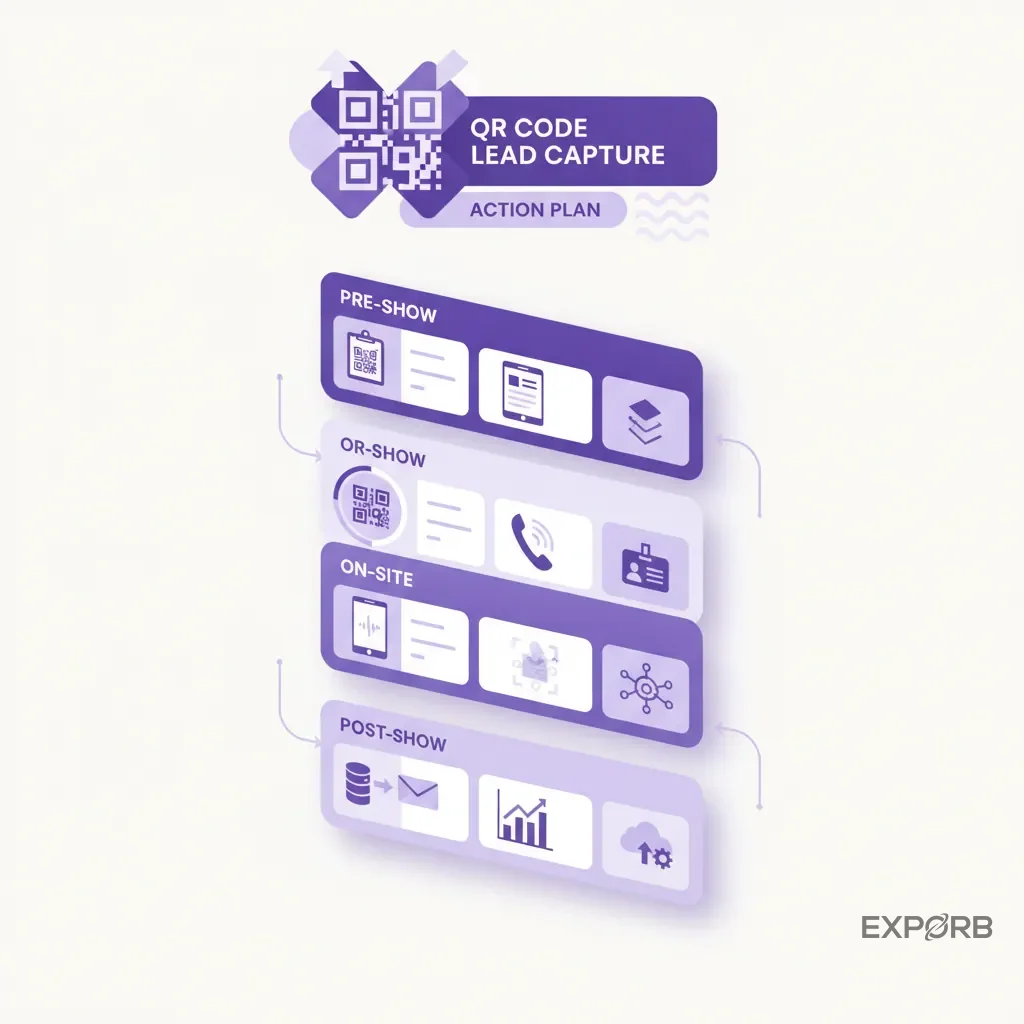
Pre-show
- Define what a good lead looks like and what data you need
- Pick and set up your platform. Integrate with your CRM.
- Create unique, branded, dynamic QR codes for each touchpoint
- Build a simple mobile landing page for your form
- Train your team. Don't hand them the app on show day and hope. Run a session.
On-site
- Display codes prominently with clear CTAs
- Have a backup: your team scans their card or badge if they won't scan yours
- Capture context on every lead — quick note or voice memo. What did you talk about? Next steps?
- Watch the dashboard. One demo station outperforming? Put more people there.
Post-show
- Trust your automation. Hot leads get follow-ups in minutes, not days.
- Review the data. Which QR code location drove the best leads?
- Refine for next time. Execution → measurement → improvement → repeat.